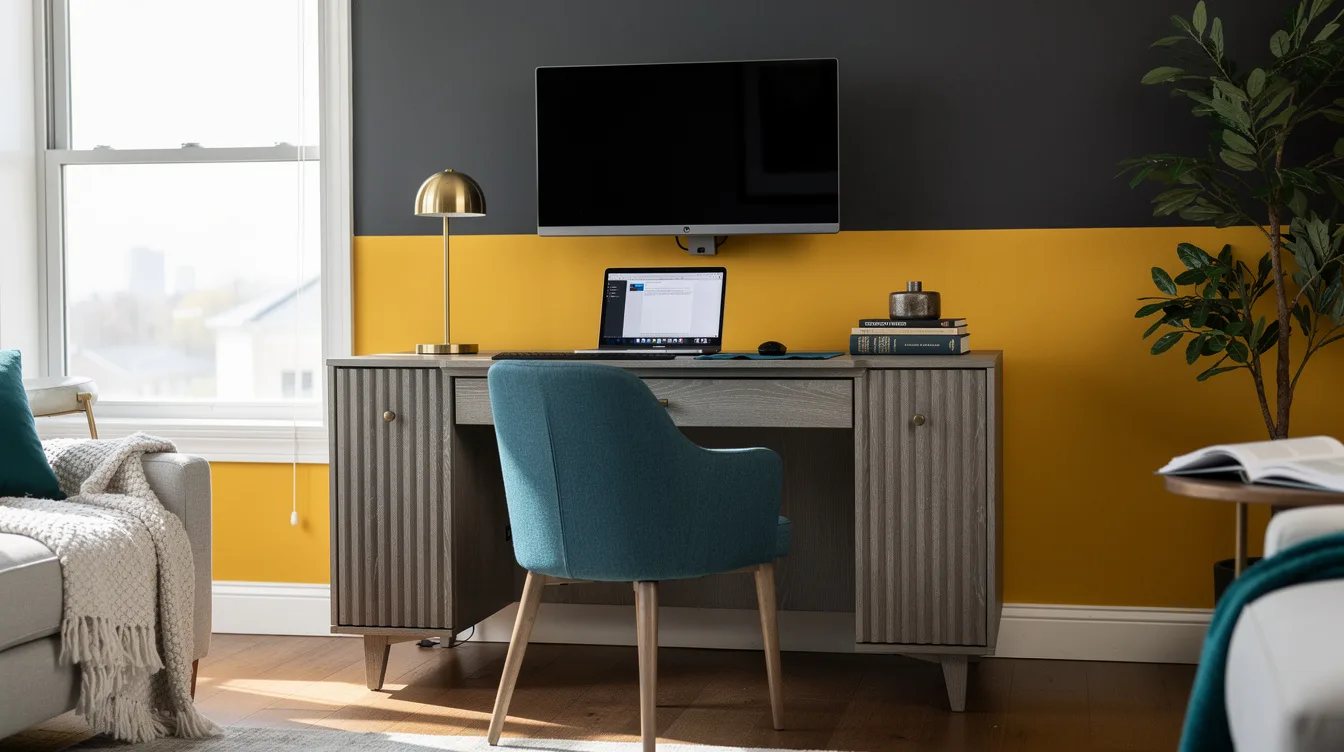
Your Narrow Castlery Console May Be Eating Your Monitor Space
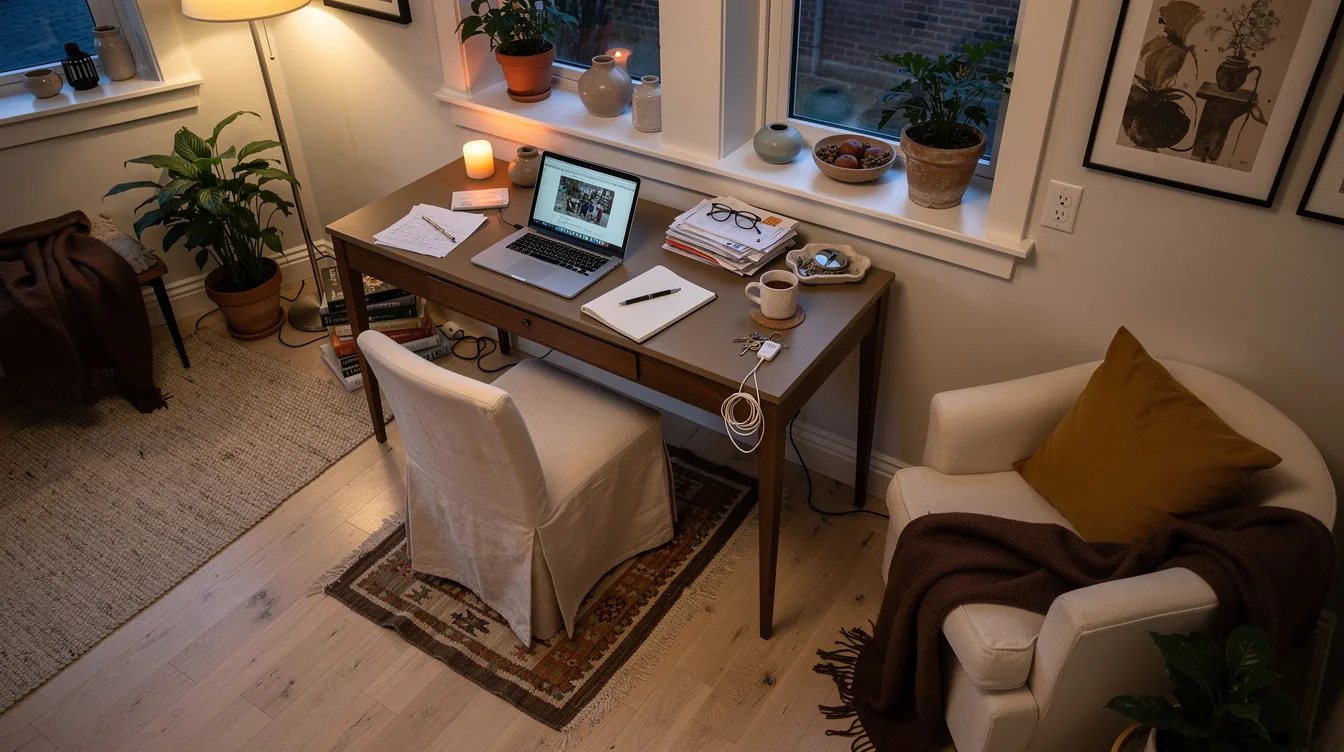
30 september 2026A narrow console can become a credible work-from-home desk, but a surface around 16 inches deep is the practical dividing line between useful and cramped. Castlery’s current US console range typically runs from about $499 to $799, yet price and appearance matter less than knee clearance, height, and the distance between your eyes and the screen.
We tested the question as a furniture problem rather than a styling fantasy. These are the mistakes that separate a console that supports occasional work from one that leaves your shoulders tense by lunchtime.
What you will find inside
- Buying a 12-Inch Console for Monitor Work
- Choosing Width Before Checking Legroom
- Treating Height as a Decorative Detail
- Selecting the Sloane Only for Its Fluting
- Expecting the Casa to Carry a Full Office
- Ignoring Posey’s Sculptural Leg Placement
- Overlooking Seb’s Structural Advantage
- Assuming Nico Works Without a Depth Check
- Letting the Monitor Consume the Work Surface
- Forcing a Chair Into Unverified Clearance
- Planning an Eight-Hour Day Around a Console
- Leaving the Workstation Visually Unfinished
Buying a 12-Inch Console for Monitor Work
A console depth of roughly 12 to 14 inches can hold a laptop, but it leaves little room for a keyboard, mouse, and forearm support. The screen also ends up close to your eyes, which makes this layout tiring during longer sessions.
Start with a target of about 16 inches for laptop work. For a monitor and keyboard, look closer to 20 to 24 inches, or use a wall-mounted screen or compact monitor arm to preserve the surface.
Choosing Width Before Checking Legroom
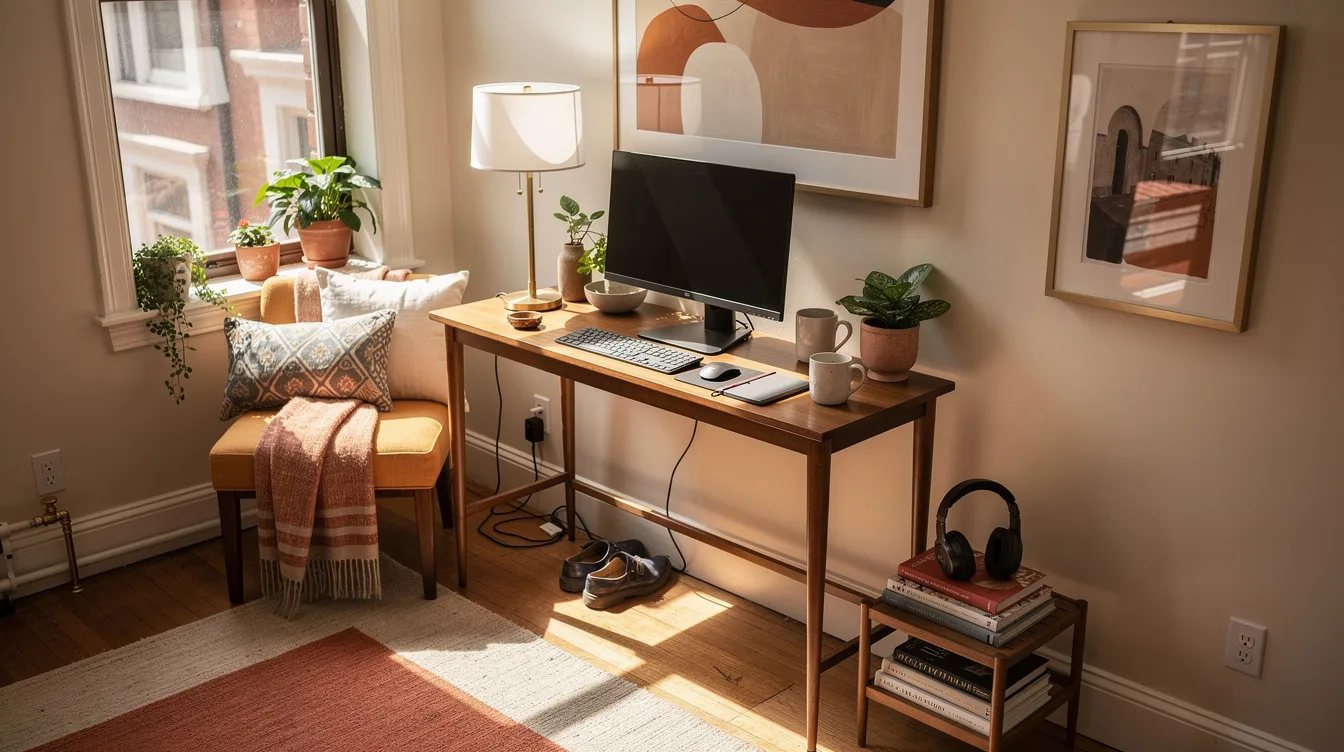
A wide top does not make a console comfortable if the center is blocked by a drawer, stretcher, or awkward leg placement. One person usually needs roughly 42 to 48 inches of width for a laptop, writing area, and small desk accessories.
Measure the open space beneath the top before ordering. A clean center matters more than extra surface length because it determines whether an office chair can actually move into position.
Treating Height as a Decorative Detail
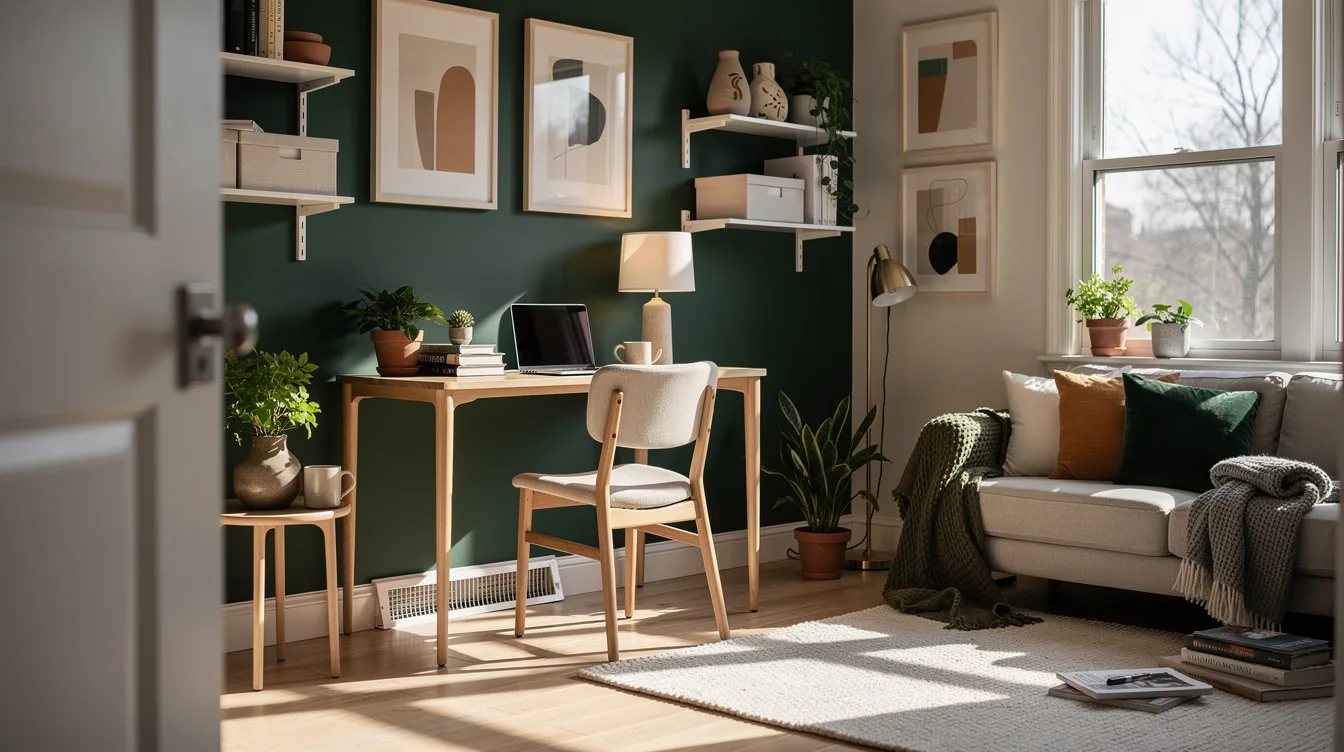
For seated computer work, a work surface around 28 to 30 inches high is a practical target. A console that sits noticeably lower can force raised shoulders, while a taller piece may leave your elbows floating above the keyboard.
Compare the product-page height with the chair you already own. Castlery consoles can work as occasional desks when their height and knee clearance feel close to a conventional desk, but style alone cannot solve a poor fit.
Selecting the Sloane Only for Its Fluting
The Sloane Console Table brings a gray oak finish and fluted-panel styling to a living room or entry, which makes it a polished desk-by-day option. Its two listed sizes give you useful choice, but the larger-looking silhouette does not guarantee better seated clearance.
Check the exact depth, height, and open knee area for the selected size. This is a strong candidate for a laptop, notebook, and compact accessories, provided the chair slides in without touching the front structure.
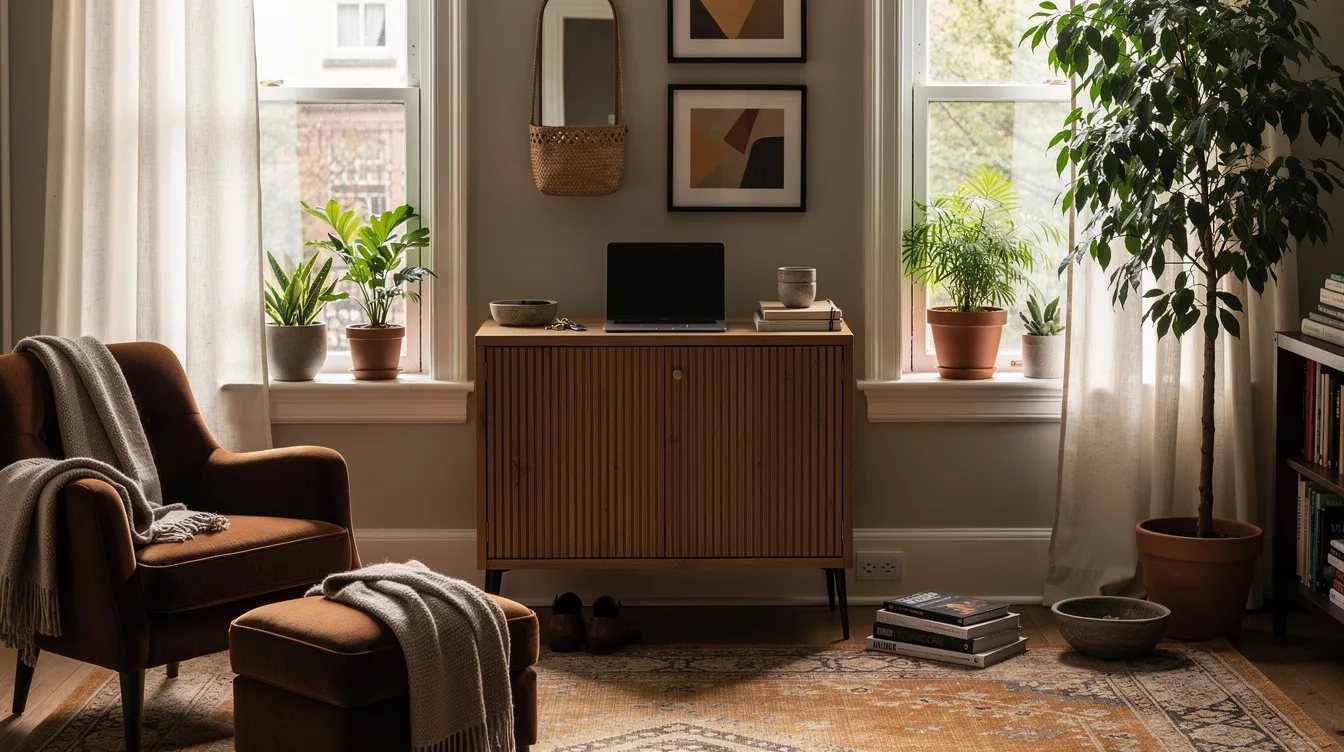
Expecting the Casa to Carry a Full Office
The typical US price shown for the Casa Console Table is about $499, making it the lower-cost option in this group. Its minimalist form and chamfered edge suit a small apartment, but its best role is laptop-only work or occasional administration.
Keep the setup light: a laptop, compact mouse, charger, and one notebook. A deep monitor stand, printer, and piles of paperwork will quickly crowd the surface and make the piece feel like an undersized office.
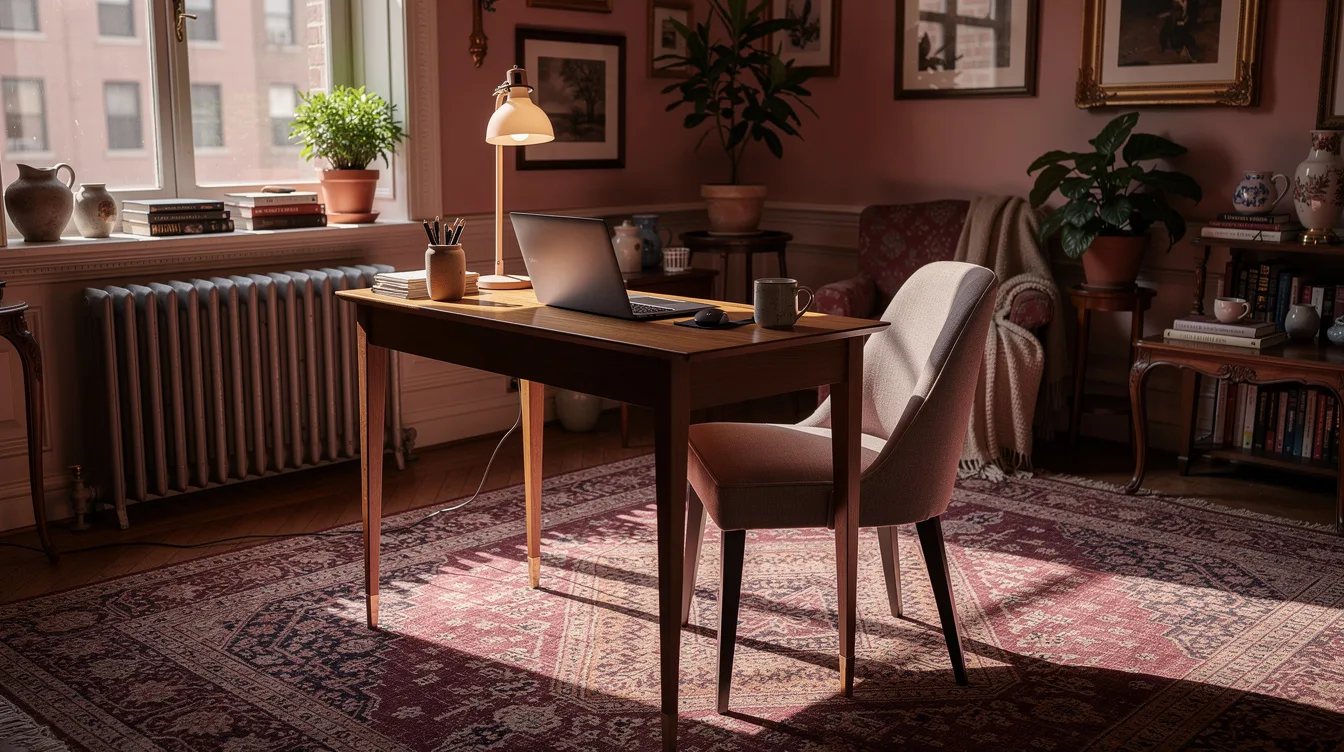
Ignoring Posey’s Sculptural Leg Placement
The Posey Table typically appears around $559 to $799 and uses solid oak with a curved top and sculptural legs. That profile reads more like furniture for a refined hallway or vanity than a dedicated workstation.
Study the leg position from the front and sides before committing. Posey can support laptop work, but the chair needs an uninterrupted path to the center, and the curved structure should leave enough room for your knees to move naturally.
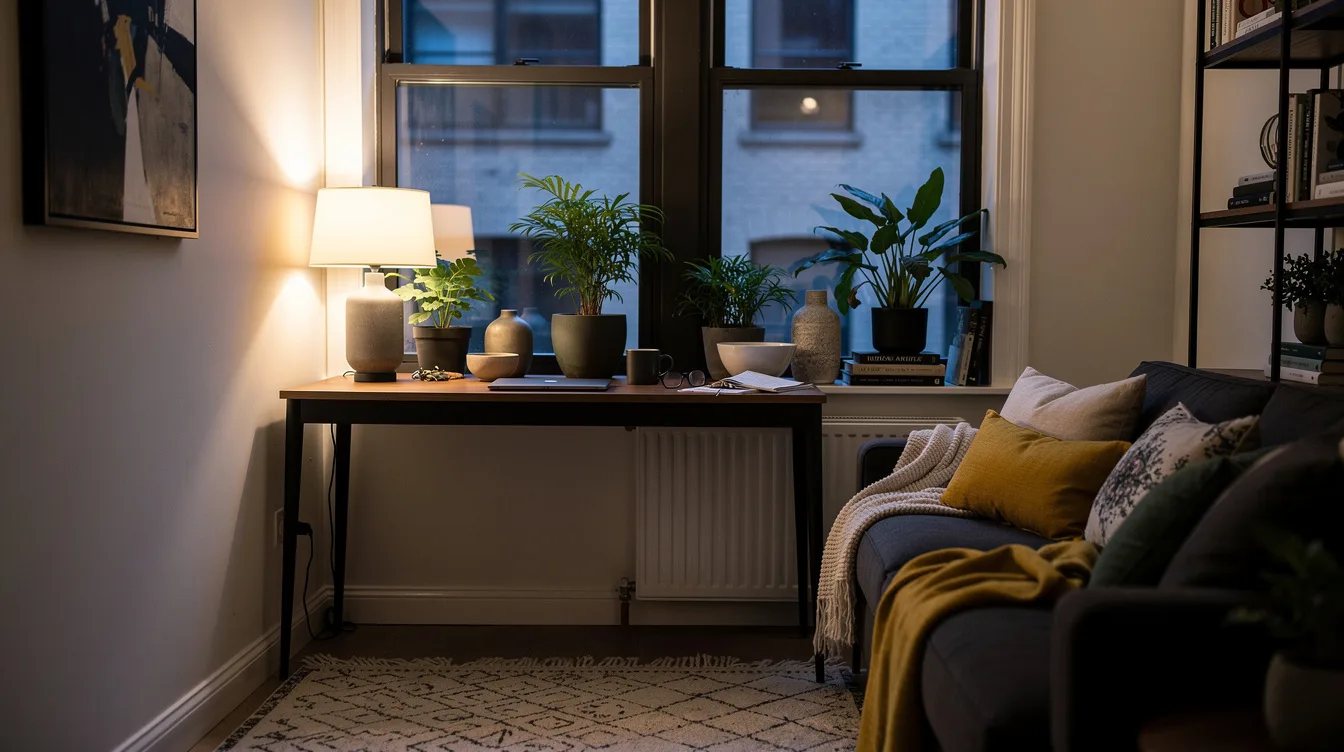
Overlooking Seb’s Structural Advantage
The Seb Console Table typically costs around $599 and uses acacia wood with a rustic finish. Among the console options, it may be the strongest structural candidate for a work corner, especially when the warm wood fits the room.
Its deciding factor is still seating height and clearance. Test the chair position with your elbows at keyboard height, then confirm that the tabletop depth accommodates your laptop without forcing the screen too close.
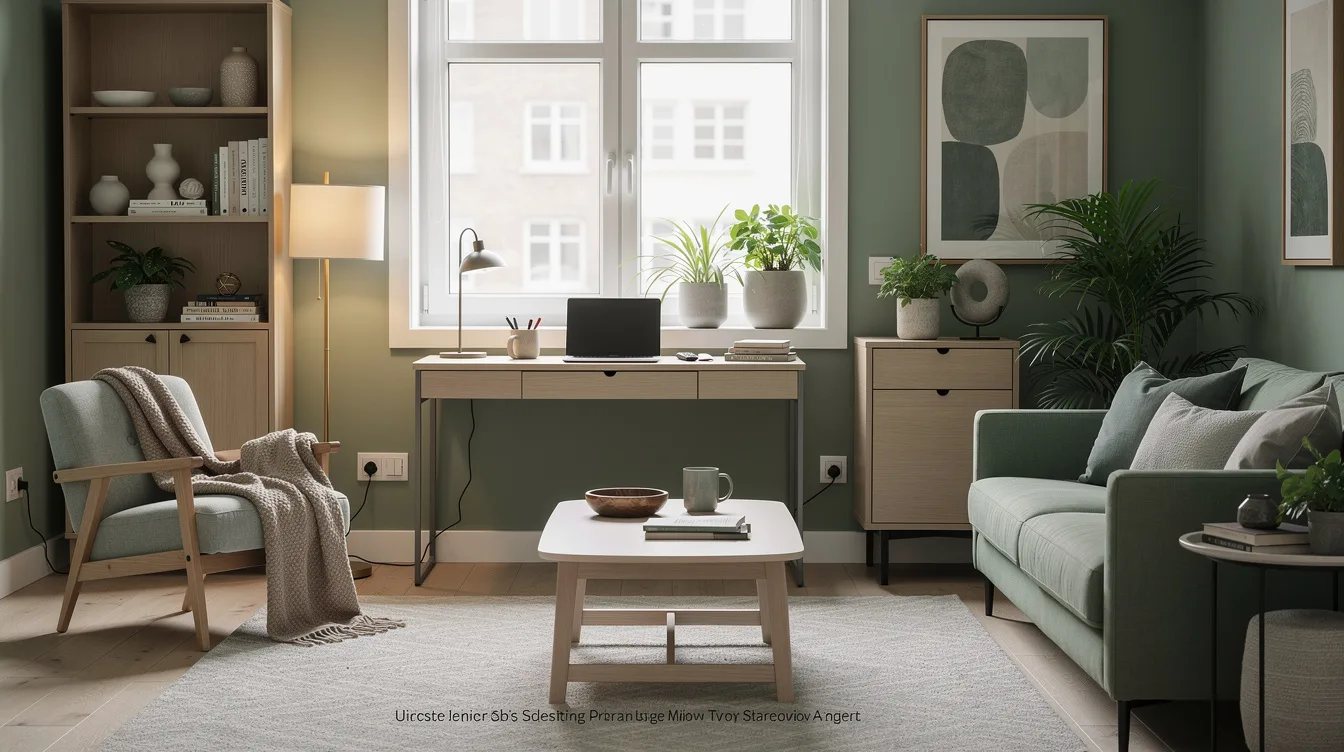
Assuming Nico Works Without a Depth Check
The Nico Console Table typically costs about $549 and uses solid American oak with rounded corners. Its soft-minimal look suits a compact workstation, but the clean silhouette says nothing about whether your laptop, writing hand, and charger can share the top comfortably.
Use Nico for a paper-light workflow when its measured depth supports your equipment. A notebook beside the computer is useful; a large monitor stand and full-size keyboard may require a different arrangement or a separate purpose-built desk.
Letting the Monitor Consume the Work Surface
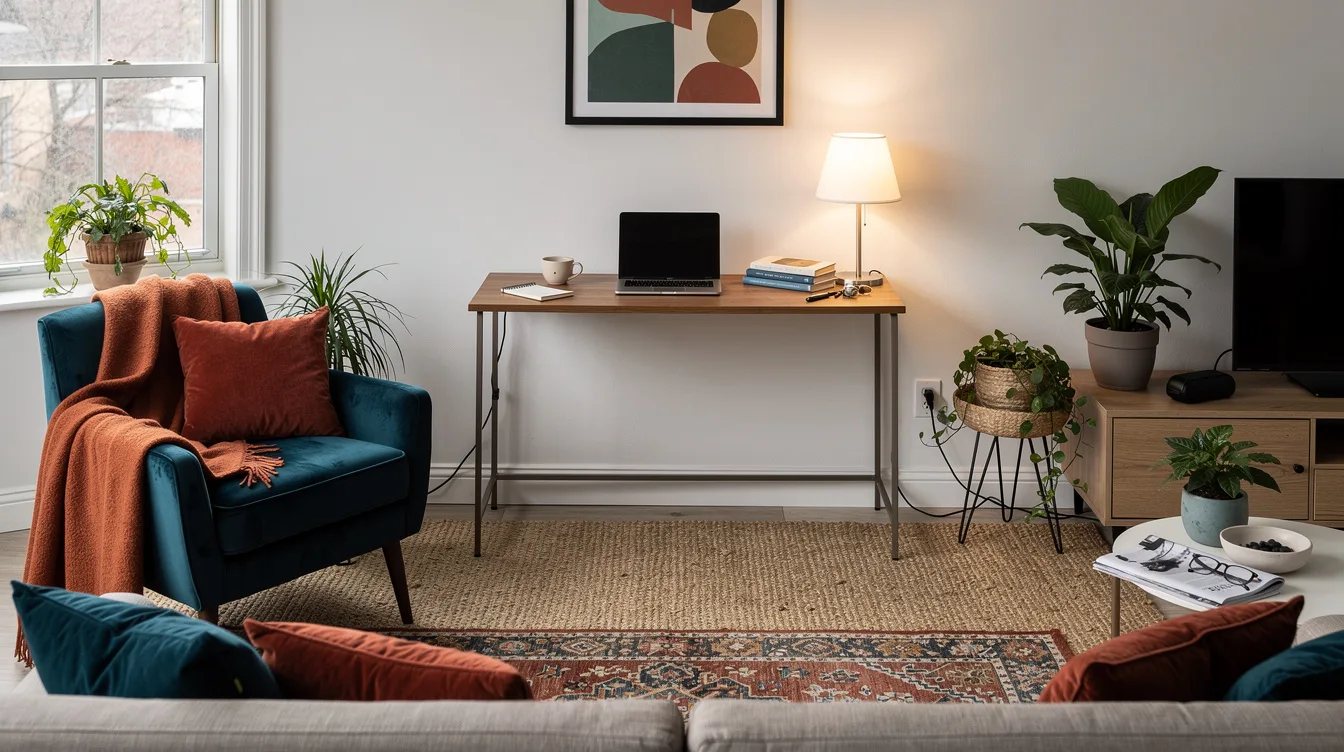
A monitor stand can use much of a narrow console’s usable depth before the keyboard even arrives. The result is cramped wrist placement and a screen that sits too near the front edge.
Choose a compact monitor arm or wall-mounted display when the wall allows it. Leave the console top for the keyboard, mouse, and a small writing zone, then keep the base clear so the narrow furniture still feels intentional after work.
Forcing a Chair Into Unverified Clearance
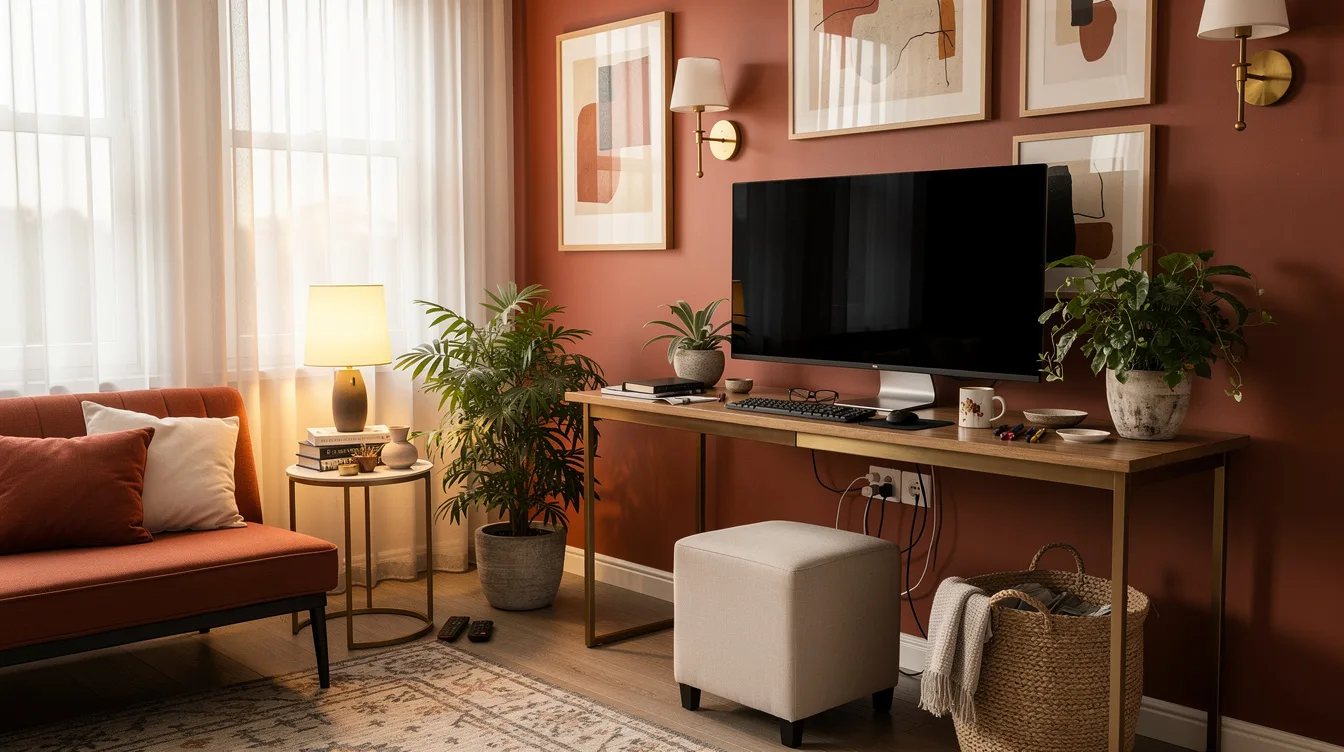
A console can look generous from across the room while its legs block the exact place where your knees need to go. This problem is especially easy to miss with curved legs, centered drawers, or a low stretcher.
Use the chair as part of the measurement process. Slide it fully beneath the console, sit upright, and check that your knees, feet, and elbows have room without twisting your torso or reaching forward.
Planning an Eight-Hour Day Around a Console
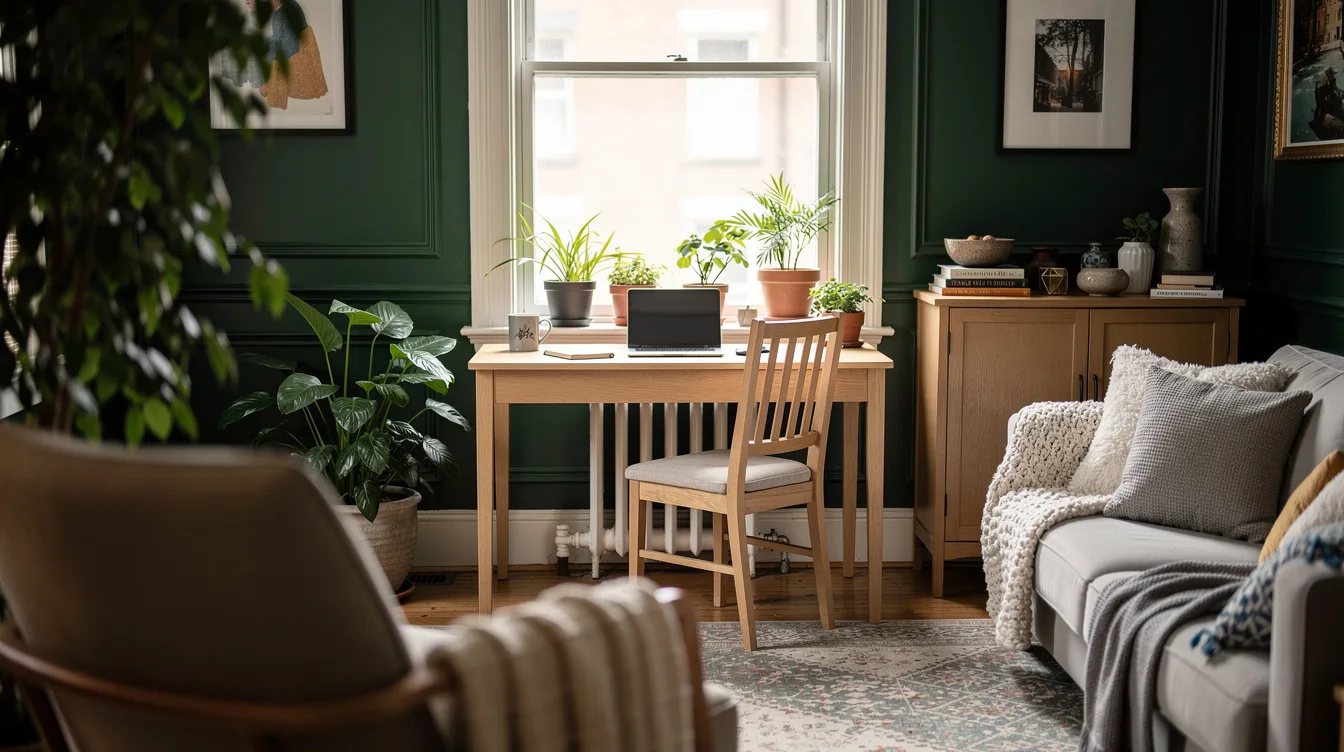
A narrow console is best for focused sessions, occasional administration, and laptop-based work that can disappear into a living room or bedroom. It is a poor substitute for a full workstation when the day includes many hours of typing, a deep monitor, and substantial paperwork.
For daily six- to eight-hour computer work, compare purpose-built desks such as Sloane, Seb, or Emmerson. Their desk-first proportions generally make the more ergonomic purchase, even when a console would blend more quietly into the room.
Leaving the Workstation Visually Unfinished
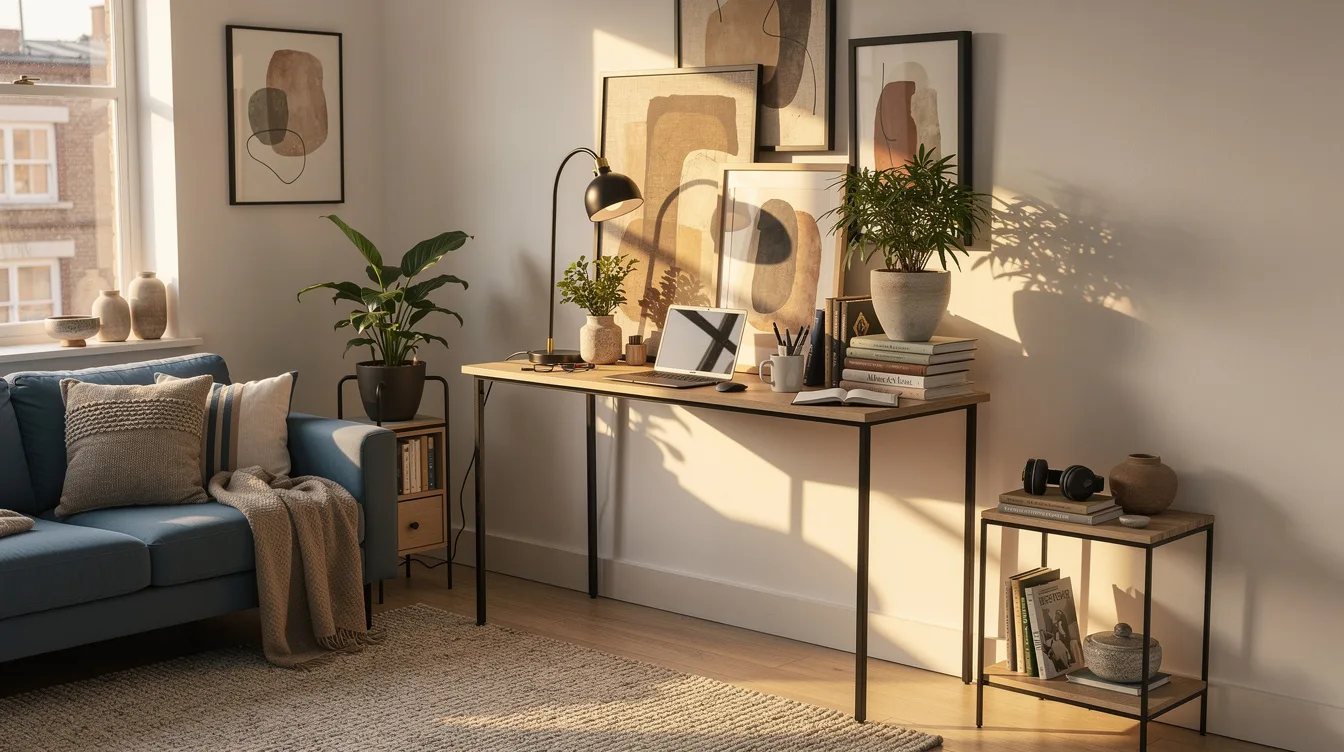
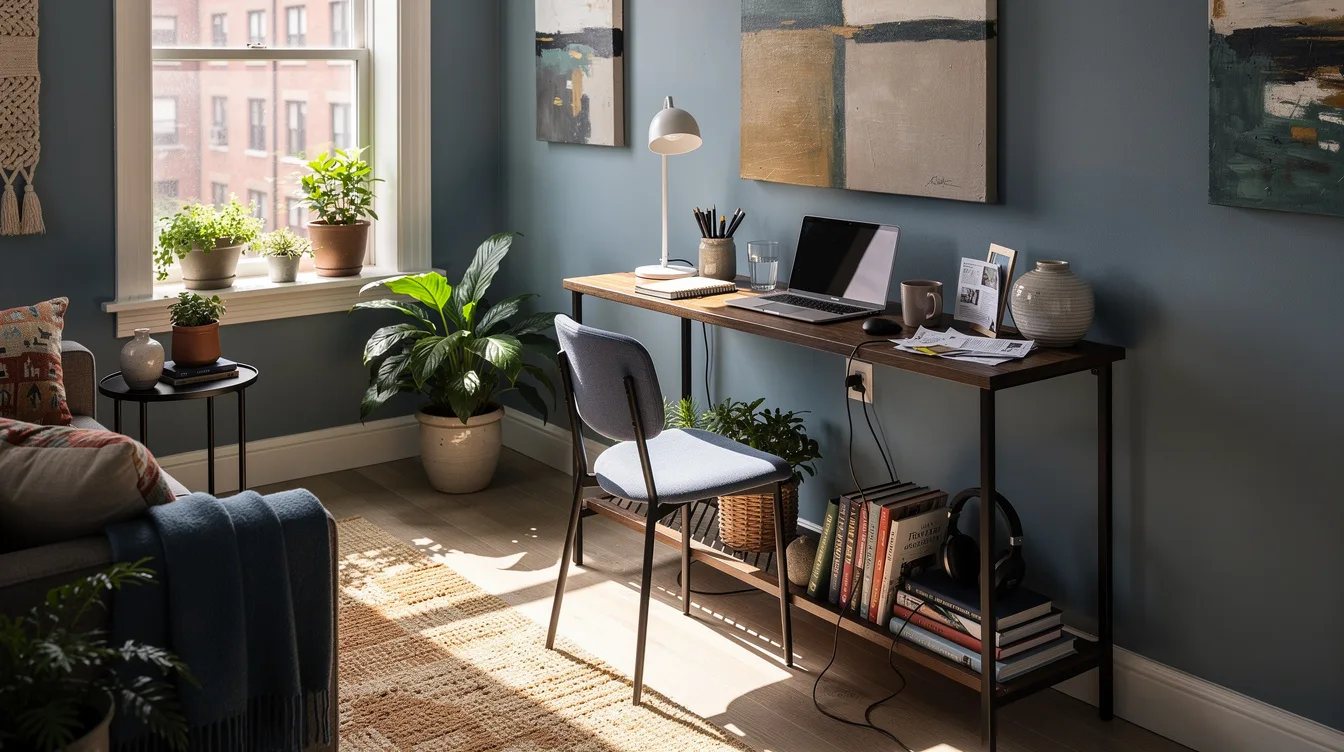
A console succeeds in a shared room when the office equipment can settle into the furniture instead of taking over. Use a slim laptop stand, a small cable tray, and one compact task light, while keeping bulky accessories elsewhere.
Choose finishes that support the room’s existing palette, such as the gray oak of Sloane or the warm acacia of Seb. The best arrangement earns its place twice: it supports focused work during the day and reads as a composed console when the laptop closes.
Keep reading
- The 12-by-20 Desk Rule Makes These 12 Small-Space Picks Work
- Corner Cabinet Eating Your Pans? Try This Home Depot Renter Fix
- Narrow Walkway Blocking Your Flow? 15 Target Consoles Under $150
Begin with a chair, a tape measure, and the exact product dimensions, then confirm depth and open knee space before choosing a finish. If the workday regularly reaches six to eight hours, put a purpose-built desk first and let the console remain the flexible accent piece.