Tiny Workspace a Mess? This IKEA Pegboard Setup Creates More Room
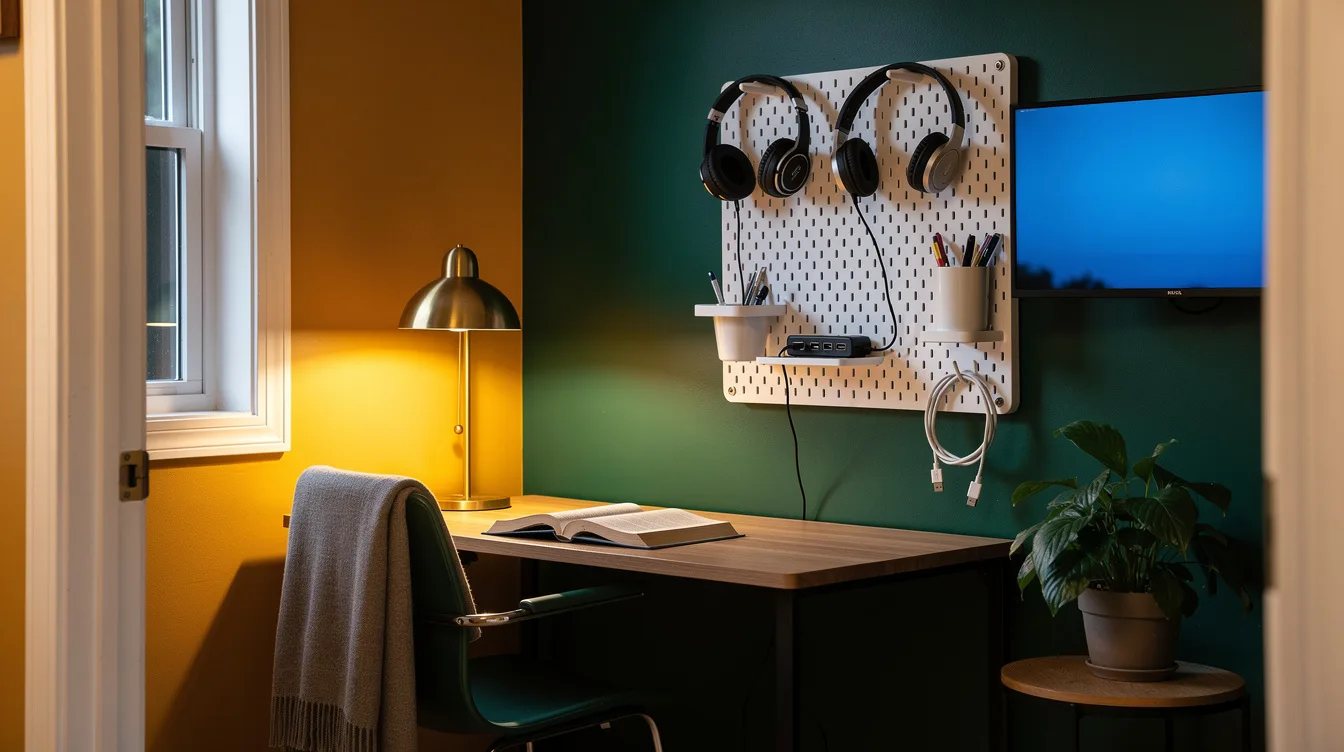
18 november 2026A tiny desk can lose its working surface one charging cable at a time. An IKEA SKÅDIS board measuring about 14 by 22 inches gives headphones, pens, and a USB-C cable a place beside the monitor, while the desktop stays open. The most effective setup uses one cup, one shallow shelf, and a pair of hooks, then stops.
What you will find inside
- Start With the 14-by-22-Inch Board
- Place It Beside Your Monitor
- Hang Headphones on the Outer Edge
- Give the Cup a Single Job
- Reserve the Shelf for Tech
- Hook Up One Charging Cable
- Choose the Square Board for More Zones
- Use the Wide Board for Shared Desks
- Clamp the Board for a Rental
- Keep a Freestanding Board in Reserve
- Prepare the Wall Before Drilling
- Leave Empty Holes on Purpose
Start With the 14-by-22-Inch Board
For a truly tight desk, begin with the small IKEA SKÅDIS pegboard, which measures about 14 by 22 inches. That footprint gives you useful wall storage without making the workspace feel like an office supply aisle.
The board is made from painted fiberboard, while the wood-look version uses lacquered fiberboard with a decorative finish. White is the smartest choice for a small room because it keeps the storage visually quiet beside a monitor.
Place It Beside Your Monitor
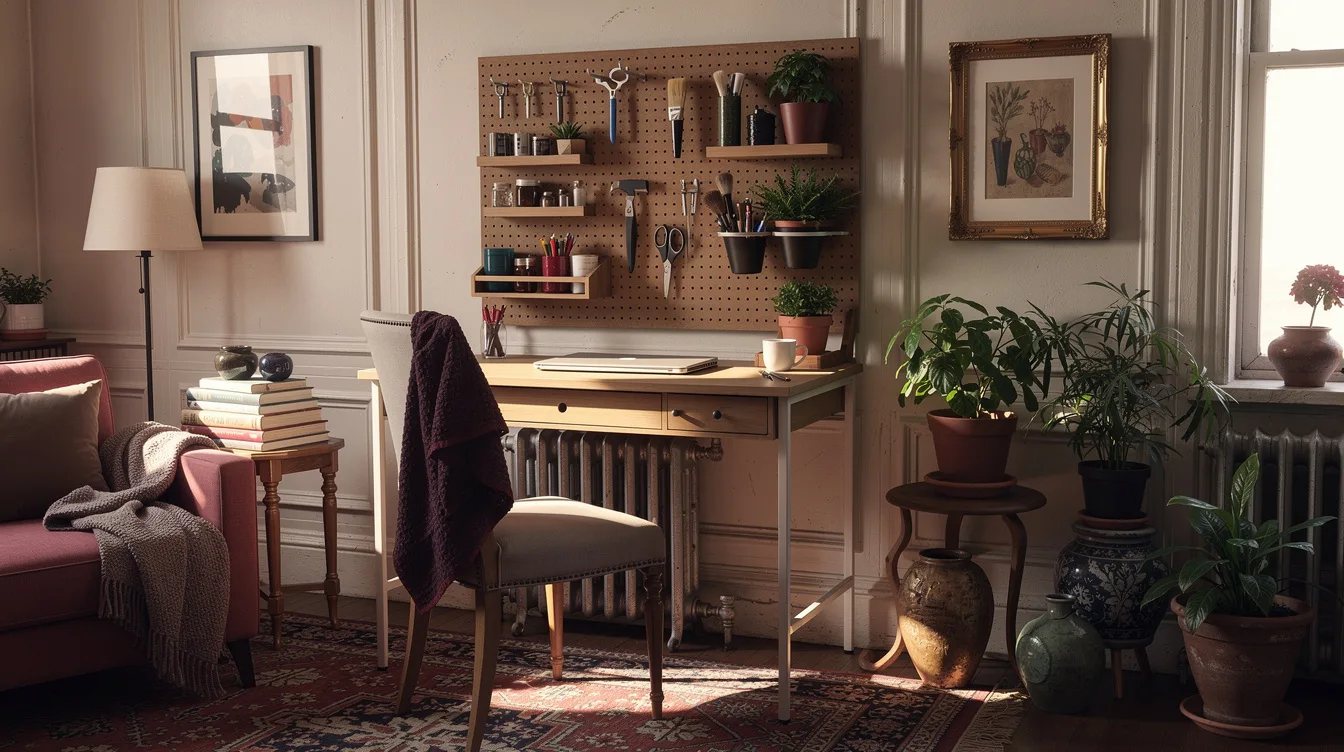
Mount the board on the side of the monitor you naturally reach toward. Your dominant hand should be able to grab a pen, cable, or pair of headphones without crossing the screen or sweeping objects across the keyboard.
Set the monitor and lamp in place before deciding on the height. The best position usually leaves the main work surface clear while keeping the lowest accessory above elbow level.
Hang Headphones on the Outer Edge
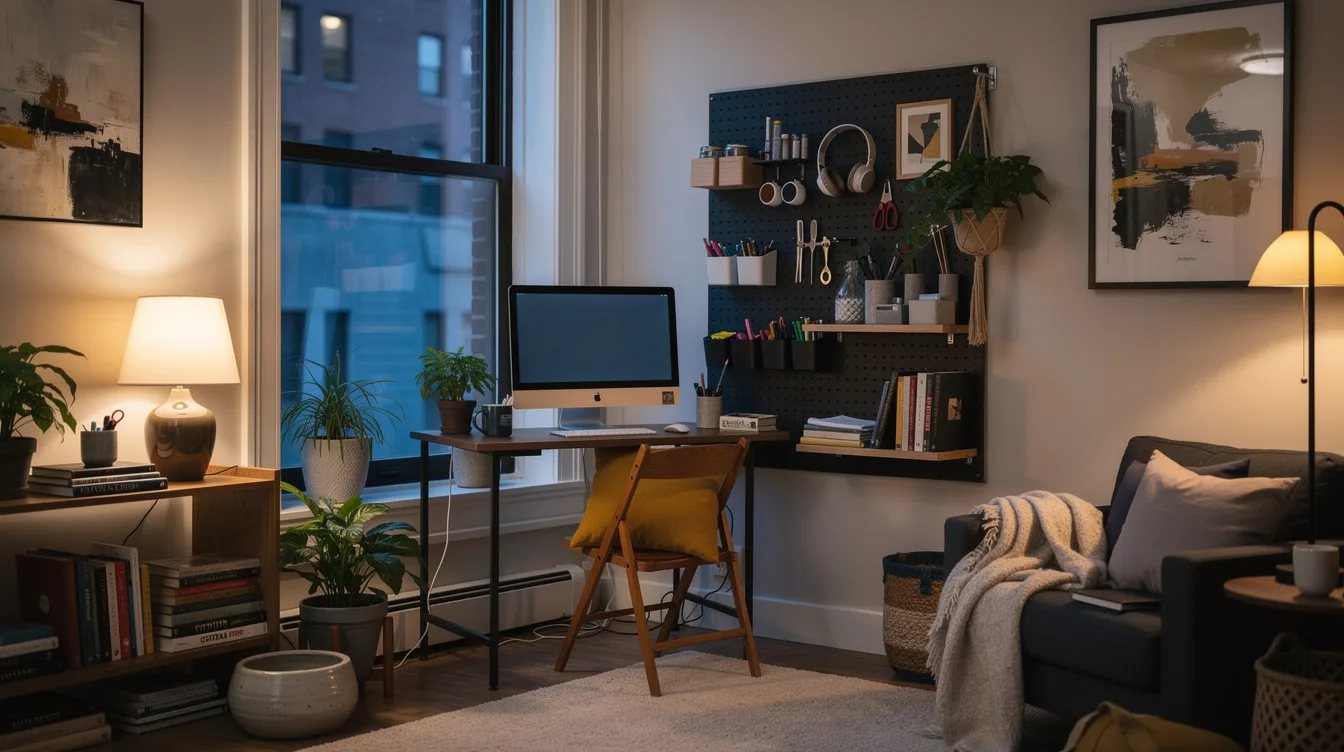
Use one SKÅDIS hook for headphones and place it on the outer edge of the board. They will hang clear of the screen, stay visible, and stop taking up the corner where a notebook or mouse usually lands.
Choose the side farthest from the monitor stand when possible. That small gap keeps the ear cups from bumping the display every time you reach for them.
Give the Cup a Single Job
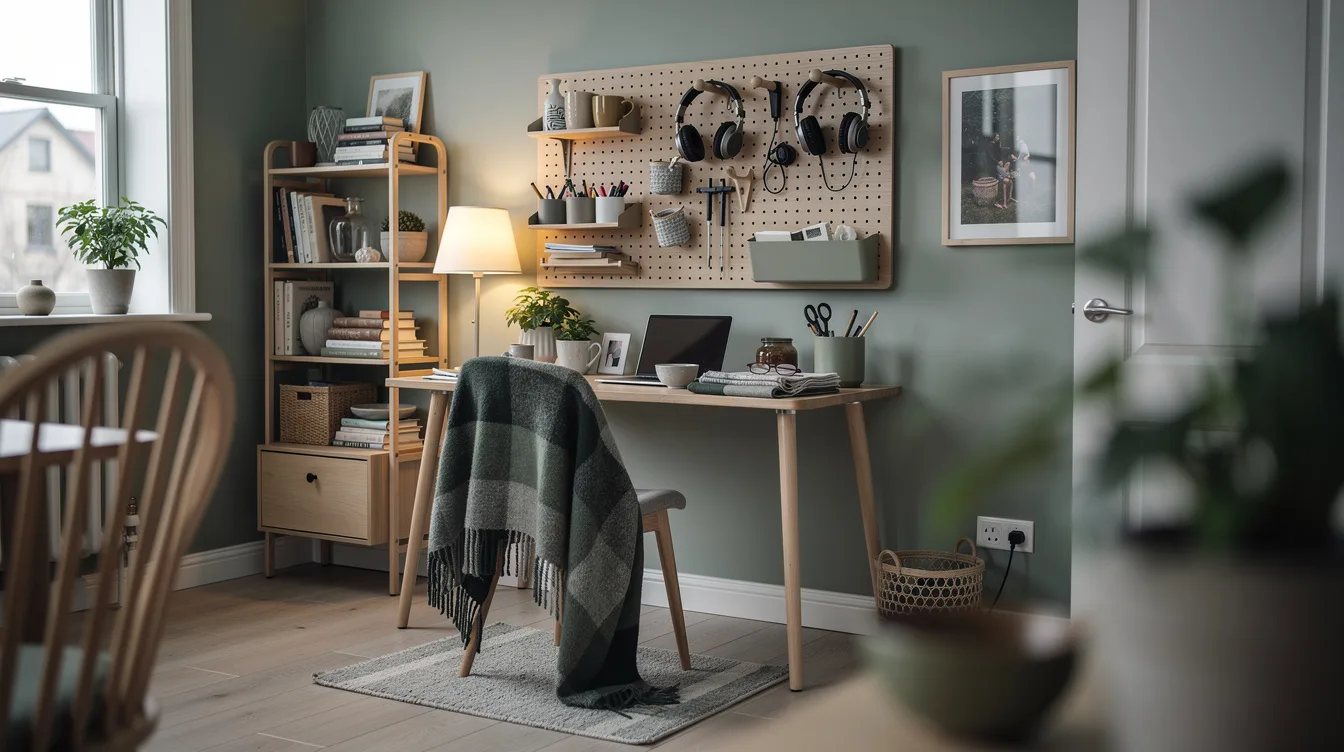
Use the open SKÅDIS cup for pens, a pencil, and small scissors, then stop there. A cup filled with every loose object in the room quickly becomes a vertical junk drawer.
Keep the contents short enough to see over the rim. When the cup holds only daily tools, returning them after work takes seconds and the board still looks intentional.
Reserve the Shelf for Tech
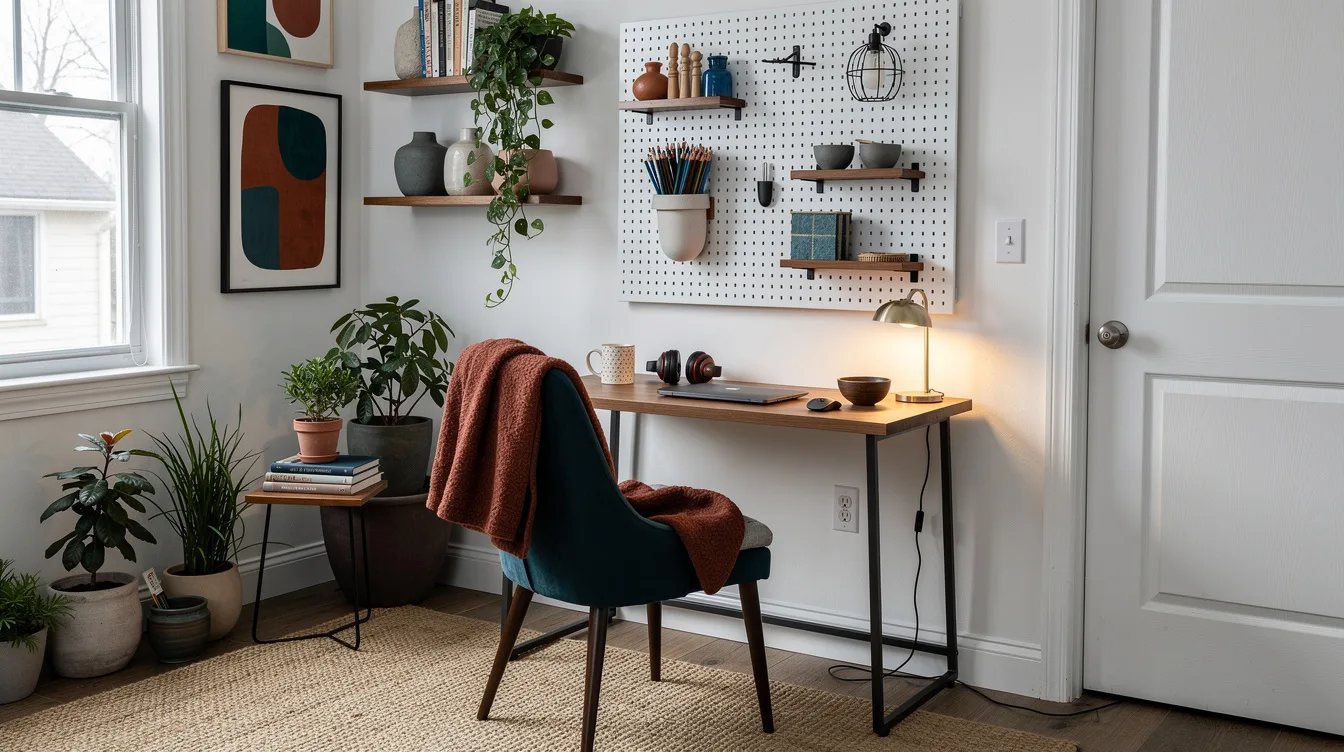
The shallow SKÅDIS shelf is best for a USB hub, card reader, or compact external drive. Those objects need a home but rarely deserve space directly on the desk.
Place the shelf below the cup or beside it, depending on where the charging ports sit. The compact setup projects about 5 inches from the wall, so test that reach before drilling near the front edge of a roughly 20-inch-deep desk.
Hook Up One Charging Cable
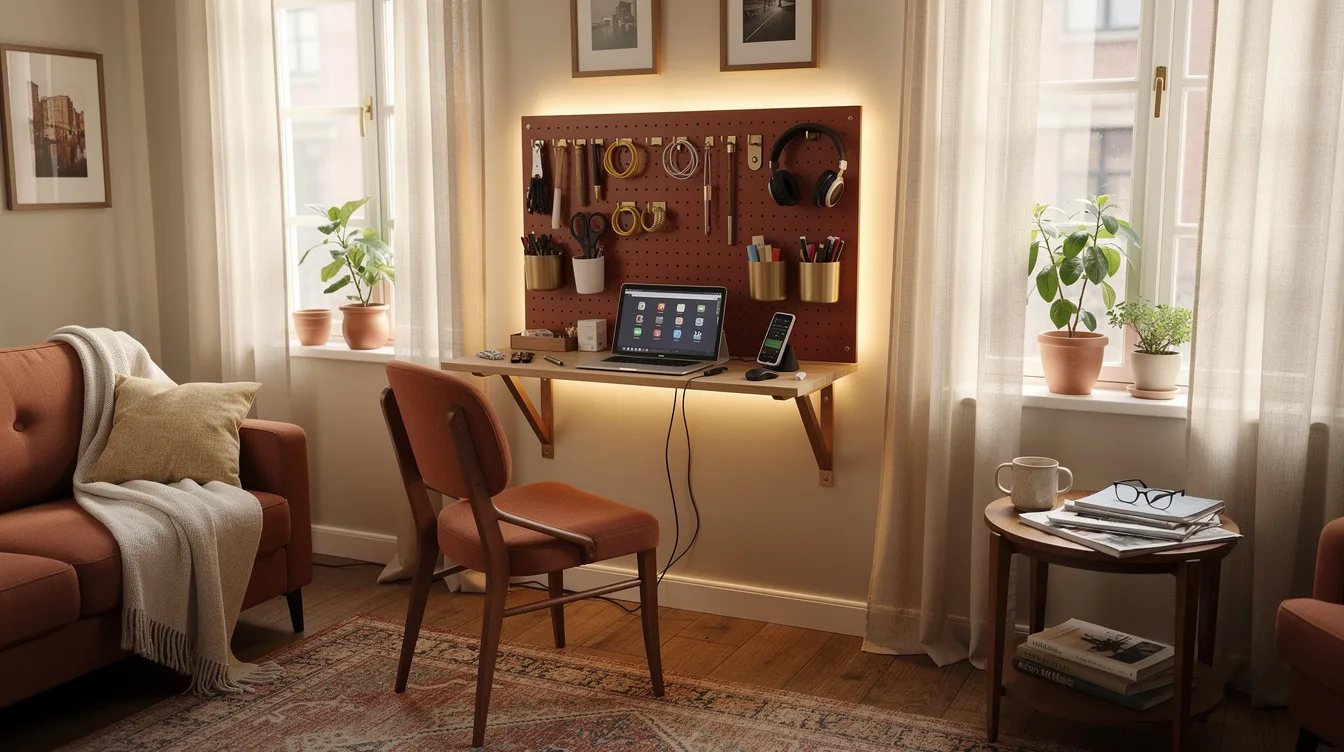
Use the second SKÅDIS hook for a short USB-C charging cable. Loop the cable once and leave the connector facing outward, so it can be picked up without searching through a knot.
Keep the cable length close to the distance between the board and your device. Extra slack has a way of falling onto the writing area, which defeats the reason for moving it off the desk.
Choose the Square Board for More Zones
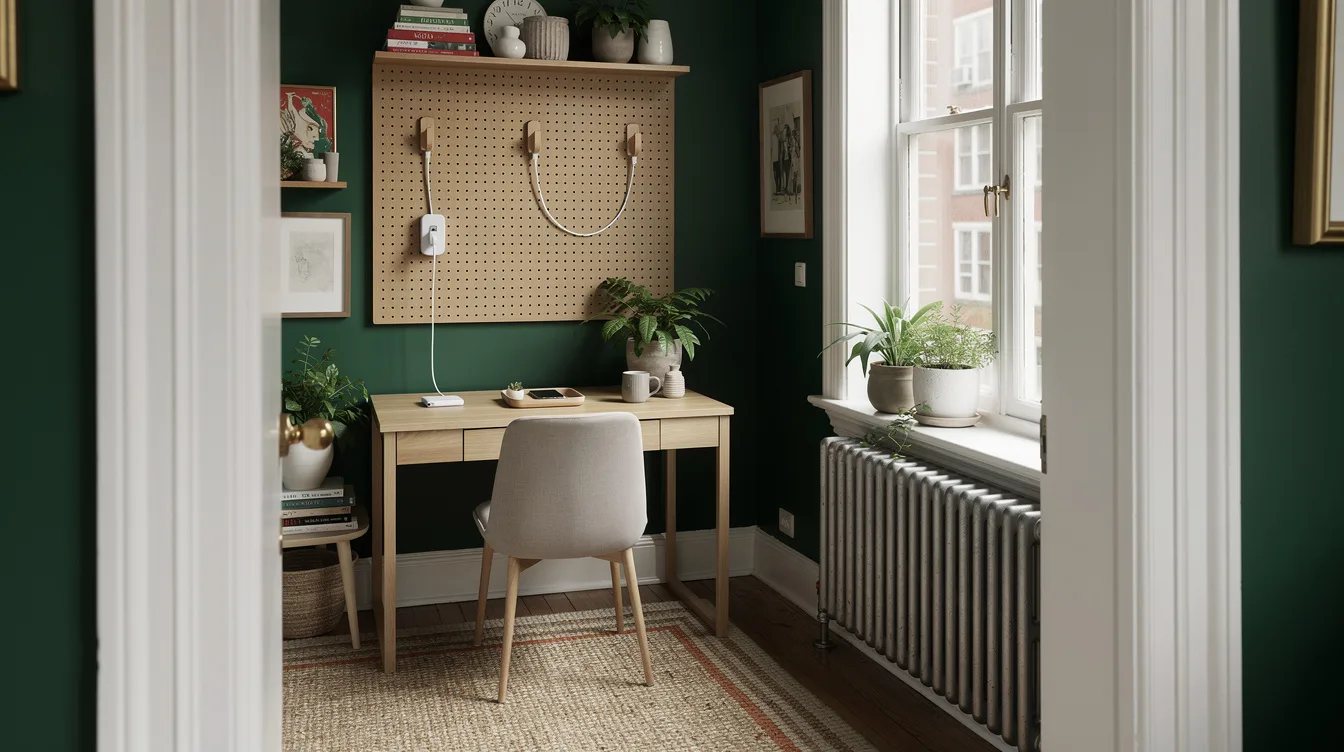
Move up to the square white SKÅDIS board, about 22 by 22 inches, when one column of accessories feels cramped. The added width creates room for a second zone without forcing every object into a single vertical stack.
Use one side for daily work and the other for occasional tools such as memory cards or a ruler. This layout works especially well when a compact desk has no drawers but the wall beside it is available.
Use the Wide Board for Shared Desks
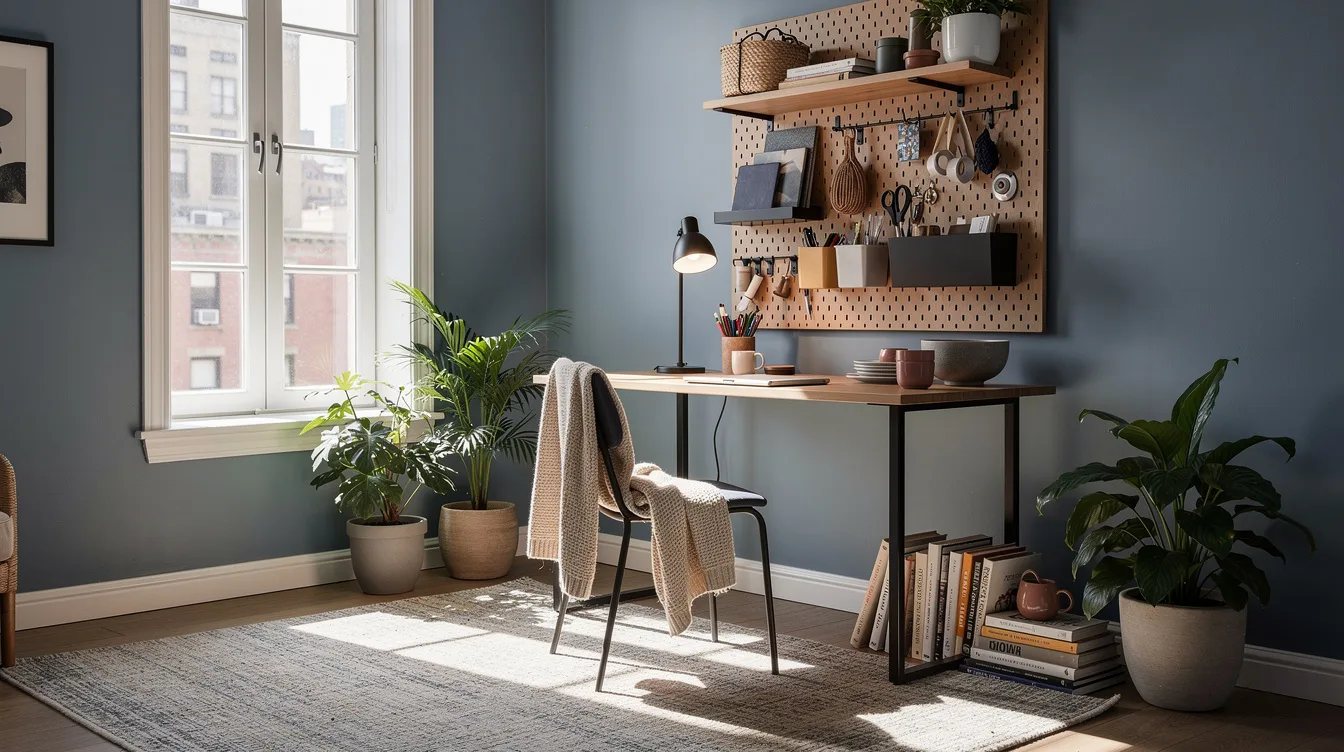
The wide SKÅDIS pegboard, about 30 by 22 inches, earns its space at a shared desk or craft station. Give each person a side, or separate writing tools from cables and small equipment.
Keep the center relatively open so the board does not read as one continuous storage wall. A shelf, a cup, and a few hooks usually work harder than a full grid of containers.
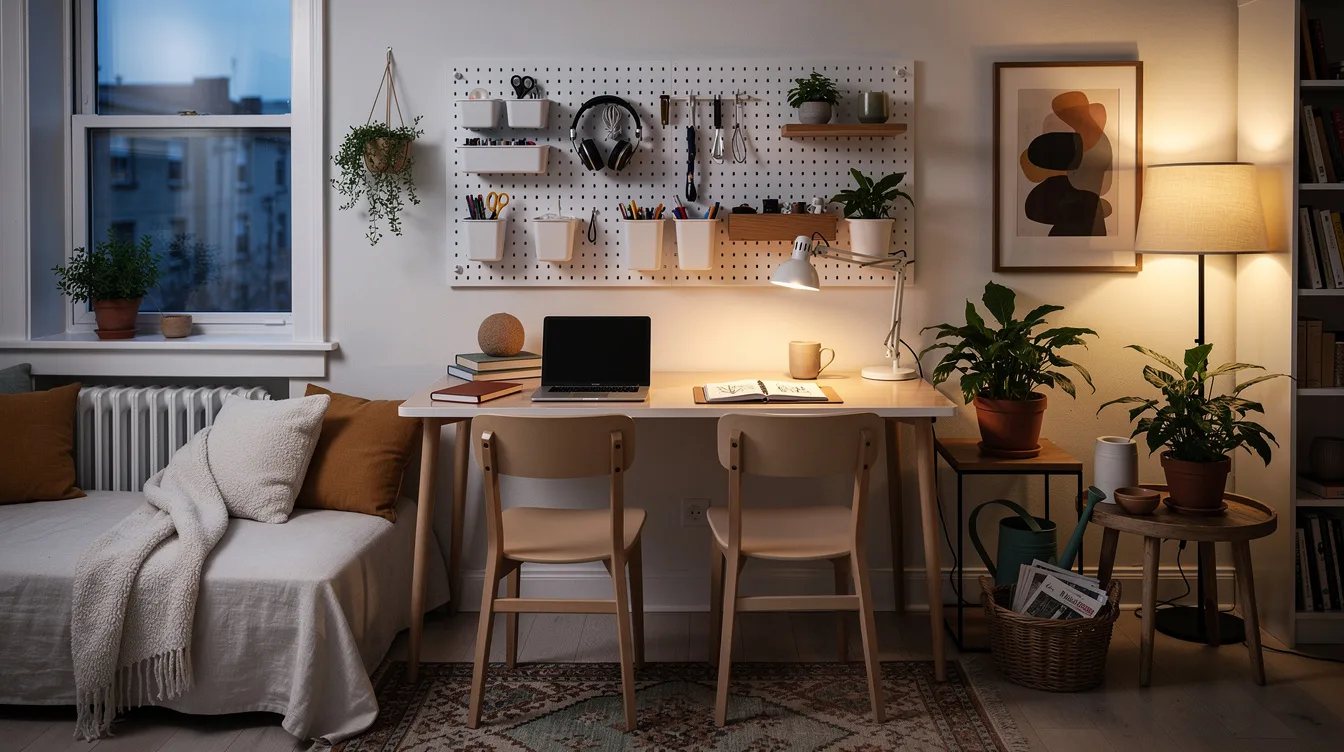
Clamp the Board for a Rental
For a renter, use the SKÅDIS desk clamps when drilling is off the table. The powder-coated steel pair fits desk tops up to about 2 inches thick, but the back edge must leave enough room underneath for the clamps to close.
Measure the actual rear edge, including any frame or cable tray. The correct clamps mount the board to the desk; small SKÅDIS connectors join boards vertically and solve a different problem.
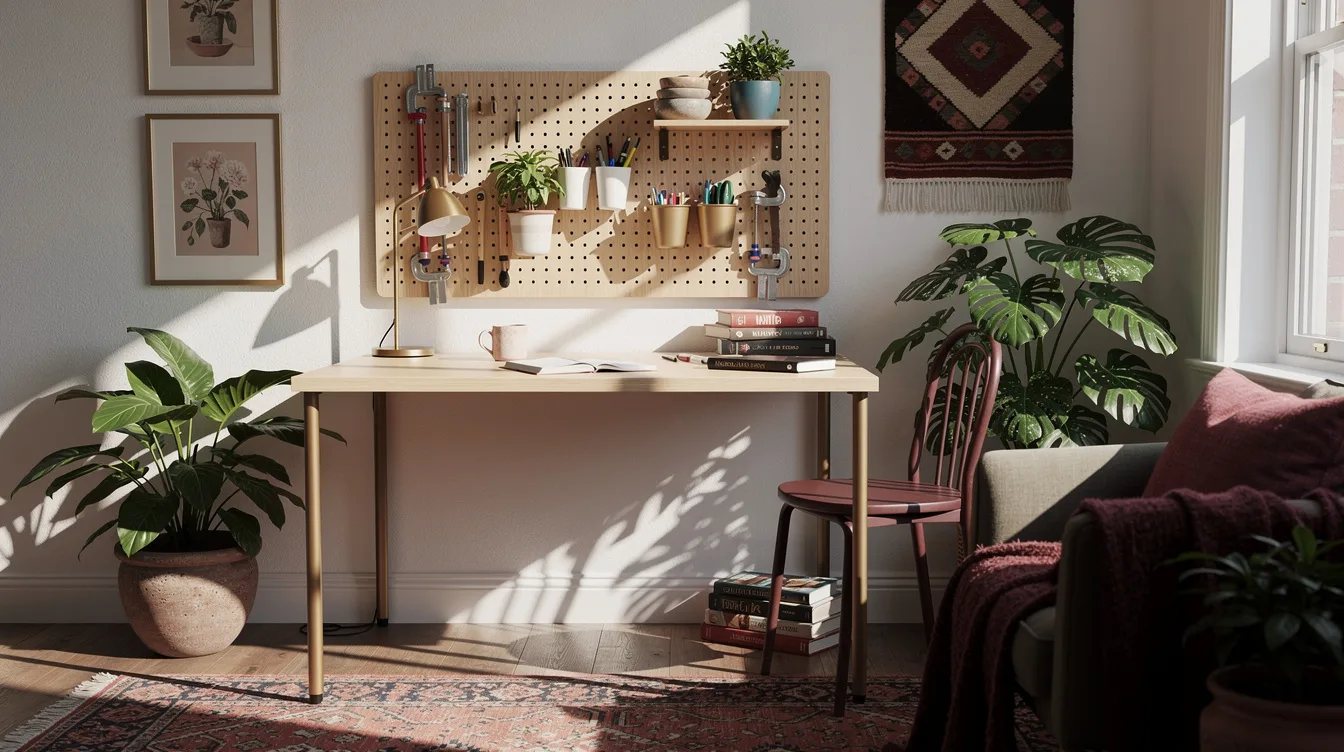
Keep a Freestanding Board in Reserve
The freestanding SKÅDIS board, about 22 by 15 inches, sits on the desk instead of hanging above it. It is useful when the wall is unsuitable or the workspace needs storage that can move between rooms.
Place it at the back edge and keep the lower area open for a notebook. It gives back some desktop depth, so choose it only when flexible placement matters more than reclaiming every inch.
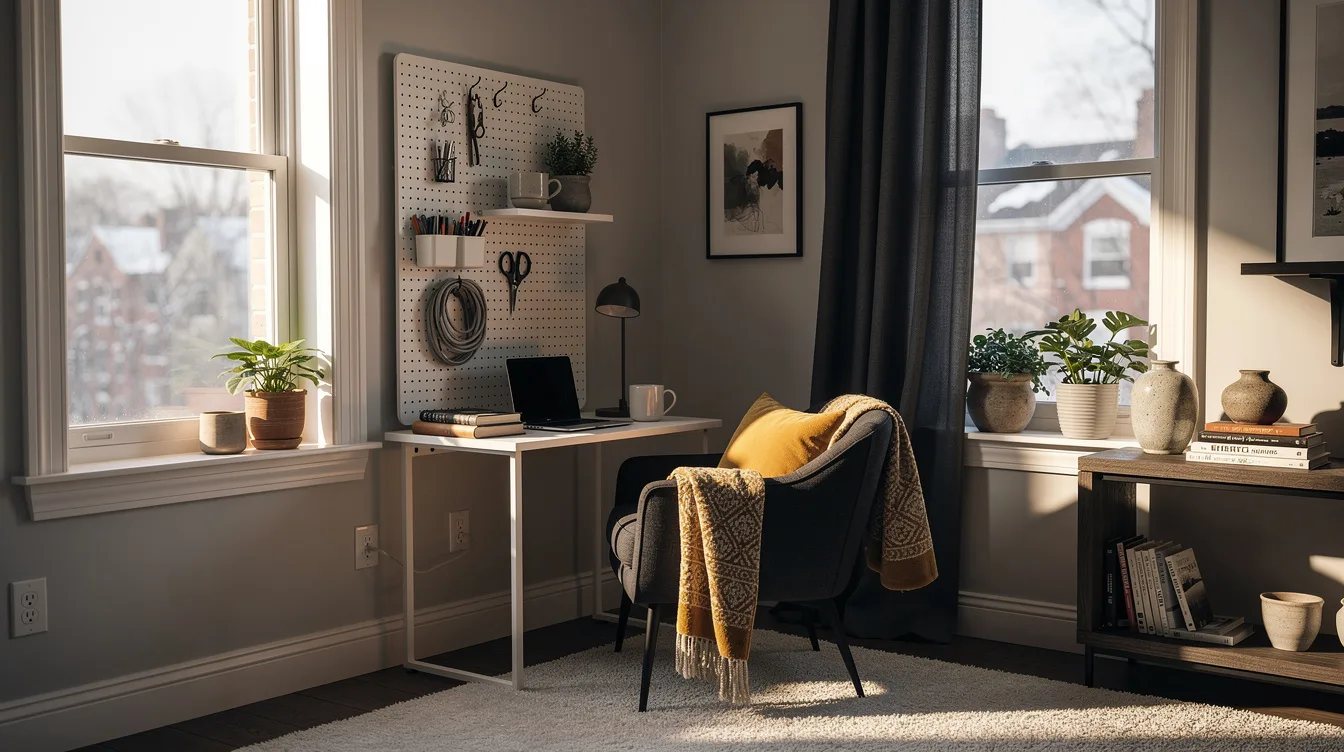
Prepare the Wall Before Drilling
The SKÅDIS wall rail comes with the board, while wall screws are selected separately. Choose fixings that match the wall material, then check the board height with the monitor, lamp, and chair already positioned.
Leave enough clearance for the shelf and for your hand to reach the cup. A five-minute layout test with painter's tape can reveal a blocked outlet or an awkward reach before the first hole is made.
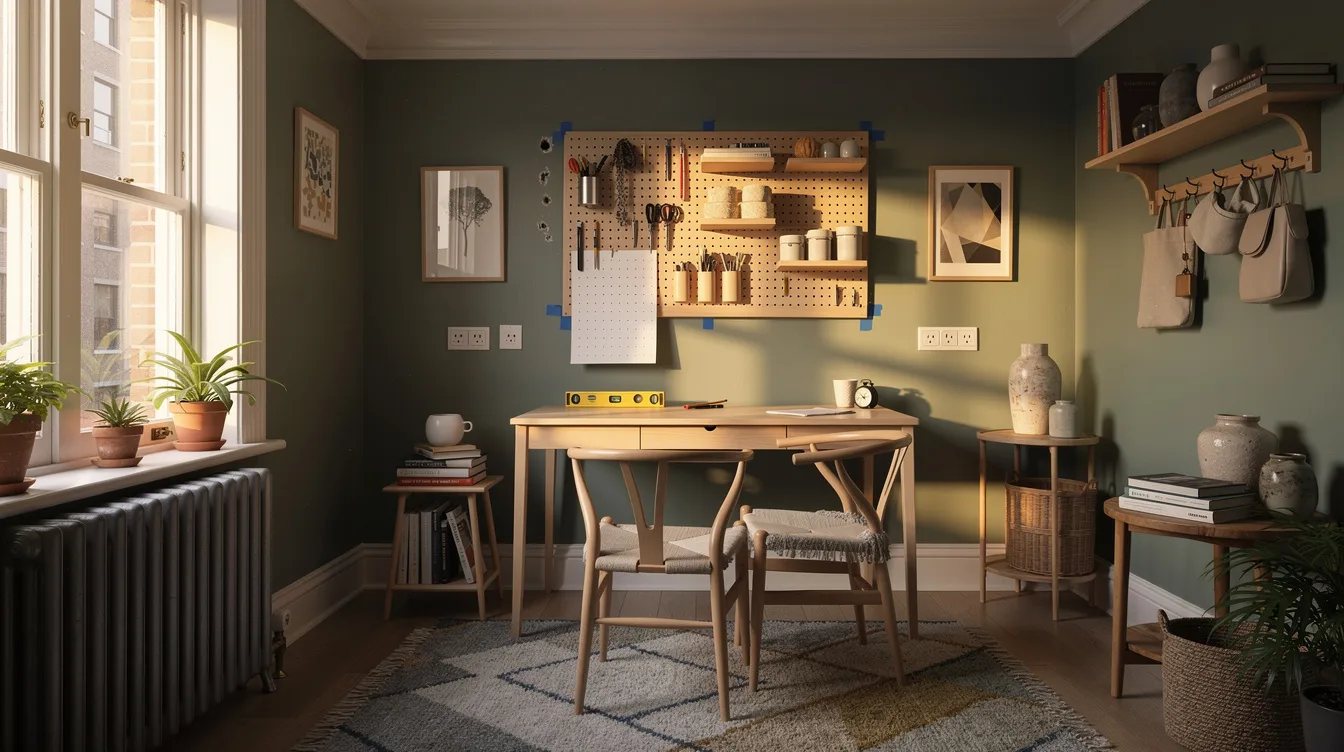
Leave Empty Holes on Purpose
Start with one white shelf, one cup, and a pair of hooks, then leave a strip of holes empty. The open space gives the setup somewhere to grow without encouraging purchases for objects that do not need wall storage.
After a week, add an accessory only when the same item keeps landing on the desk. That rule turns the pegboard into a small working station rather than another place where clutter can collect.
Keep reading
- Small Craft Room Eating Your Workspace? 12 Michaels Pegboard Finds
- Small Powder Room Clutter? These 12 IKEA Finds Hide It in Plain Sight
- Living Room Storage Crisis? 13 Wayfair Ottomans Hide the Mess
Install the small board beside the monitor first, keep the shelf for technology, and wait before adding more storage. A clear patch of desk is the result to protect.