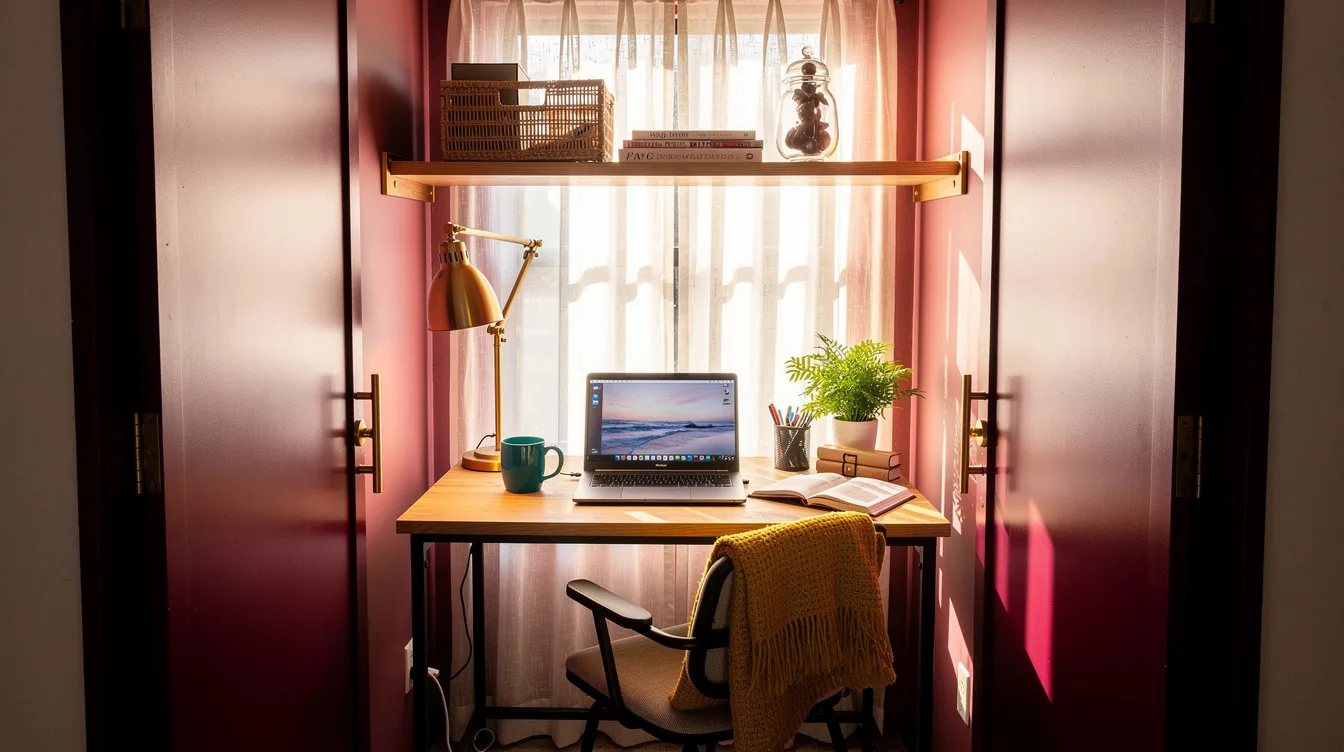
Closet Office Eating Your Floor? Amazon Desk Setups Keep It Working
02 november 2026The closet office usually fails at the shopping cart, not the decorating stage. A desk that looks small online can still swallow the doorway once a chair, charger, and lamp join the room.
A roughly 32 × 16-inch desk can rescue a tight alcove, while a roughly 32 × 19-inch folding desk gives a laptop more breathing room. A 40 × 24-inch standing desk belongs only in a closet that is genuinely deep.
These Amazon desk setups work when every inch has a job. Here are the mistakes worth removing before the first package arrives.
What you will find inside
- Measure the Door Swing Before Ordering
- Choose Depth Before You Choose Style
- Keep the SHW Mission Laptop-First
- Fold the GreenForest Desk Away
- Roll the GreenForest Model Into Position
- Test a Standing Desk Against the Back Wall
- Move Storage Above the Work Surface
- Give Cables a Planned Exit
- Light the Desktop From the Side
- Let the Finish Recede
- Protect the Knee Space
- Cap the Setup at One Main Screen
- Make the Office Pack Away
- Match the Chair to the Clearance
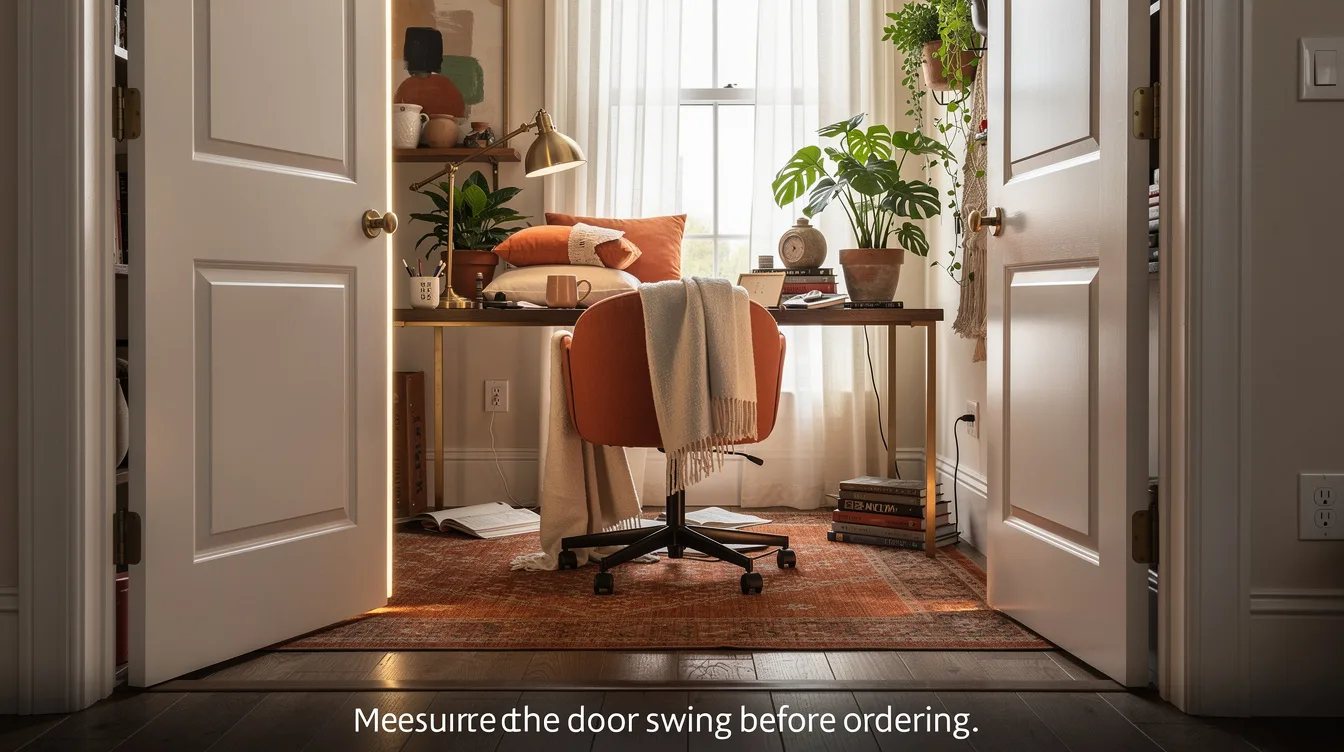
Measure the Door Swing Before Ordering
A closet office can fail before the desk arrives if the door clips the chair or blocks the drawer area. Open the door fully, mark its arc on the floor, and keep that zone clear.
The SHW Mission 32-Inch Home Office Computer Desk measures 32 × 16 × 28 inches, giving a tight alcove a useful work surface without claiming more floor than it has.
Use painter's tape to outline the desk and chair before shopping. If the taped layout feels cramped, the finished setup will feel worse once cords, a lamp, and your feet enter the picture.
Choose Depth Before You Choose Style
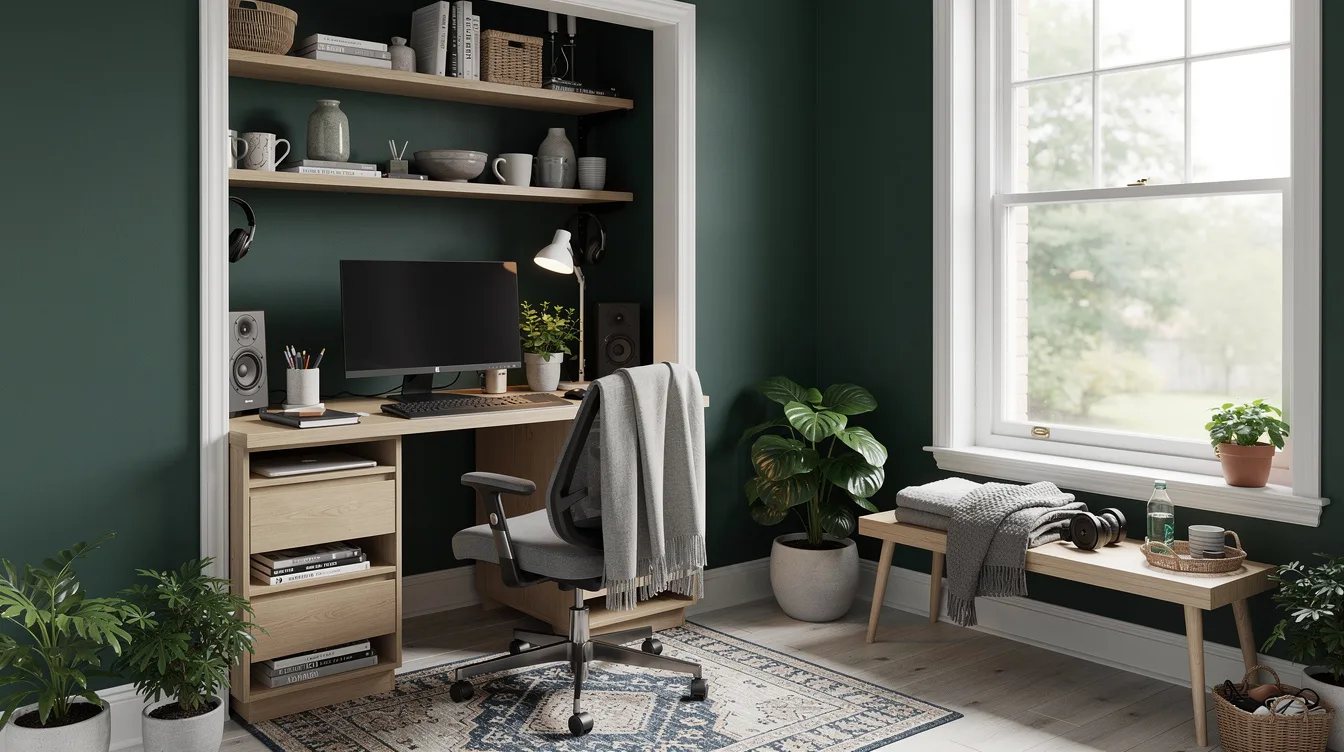
Closet offices reward shallow desks, while traditional office furniture usually assumes generous clearance. A desk that looks compact in a product photo can still steal the passage needed to enter the closet.
For a laptop-first station, about 16 inches of depth is workable. A roughly 19-inch surface gives more room for a notebook and mouse, while a 24-inch standing desk needs a genuinely deep closet.
Start with the back wall measurement, then subtract the clearance needed to stand, sit, and open the door. The finish comes later, because a beautiful desk that cannot fit is expensive clutter.
Keep the SHW Mission Laptop-First
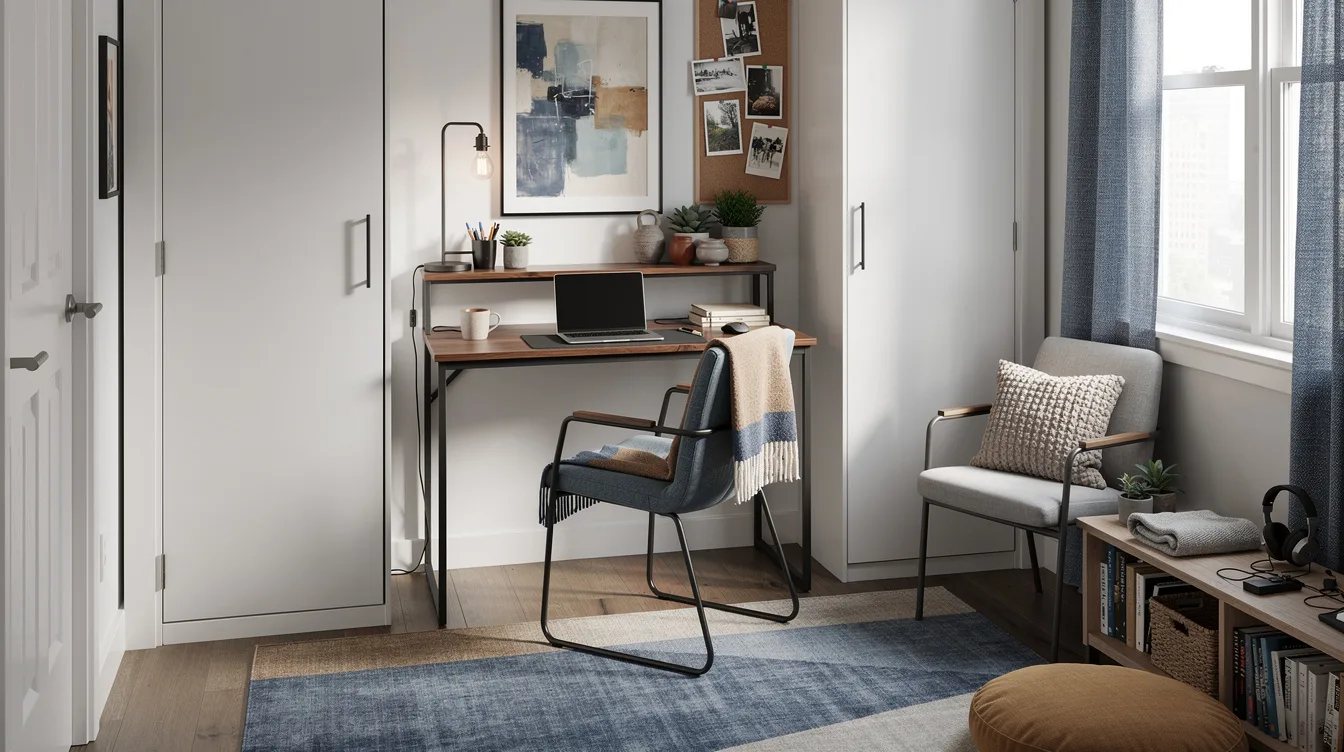
The SHW Mission desk is strongest when its job stays narrow: laptop, mouse, small light, and one notebook. At 16 inches deep, it is a poor match for a sprawling monitor array.
The documented price reference was about $50, which makes the desk a practical solution for a temporary office or a first apartment. Its engineered-wood top and powder-coated steel frame keep the footprint simple.
Choose the oak-look, walnut-look, maple-look, or black version according to the room around it. Remember that these are decorative finishes, not solid oak or solid walnut, so style the surrounding wall instead of overselling the desktop.
Fold the GreenForest Desk Away
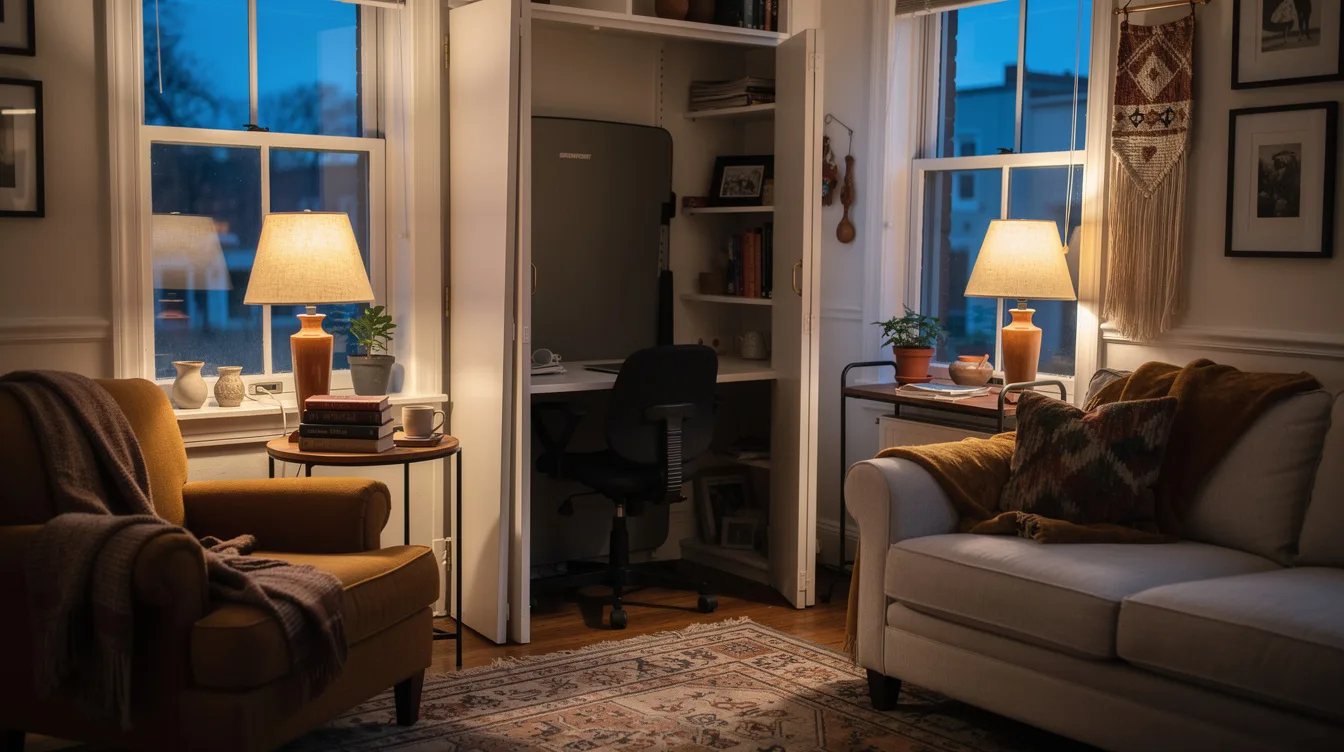
A permanent office can make a guest room feel permanently occupied. The GreenForest No-Assembly Folding Desk answers that problem with a 31.5 × 18.9 × 29.5-inch footprint that can leave the room when work ends.
Expect a typical shopping range of about $60 to $80, with the reviewed version listed around $79.99. Its steel frame and particleboard top suit a laptop or single-monitor setup, not a heavy equipment station.
Keep the desktop limited to a laptop, a thin desk pad, and a removable light. When the desk folds, store those pieces together in one basket so the room can return to its original purpose quickly.
Roll the GreenForest Model Into Position
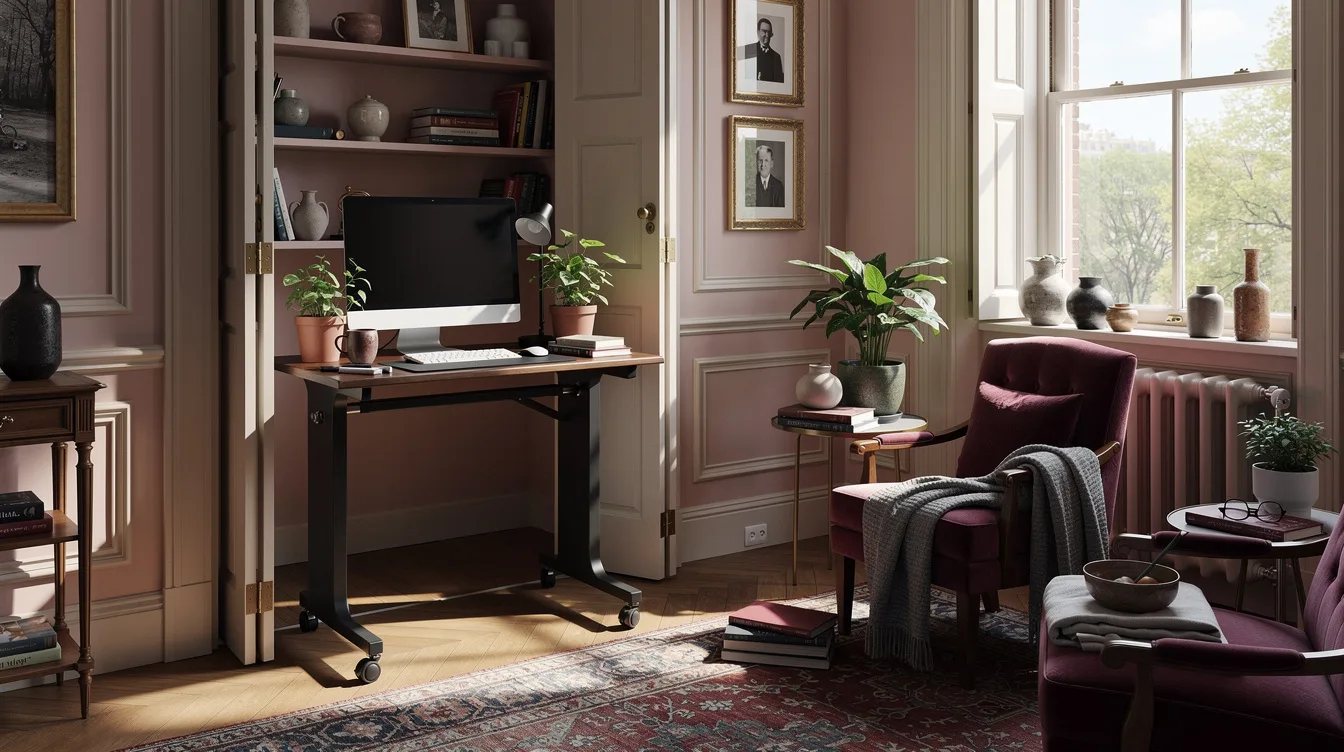
Wheels help when the closet has enough open floor to move the desk without scraping walls or catching on the threshold. The GreenForest Folding Desk with Wheels measures about 31.5 × 19.7 × 29.5 inches.
Use it for a bedroom alcove, a guest room, or a rental where drilling into the wall is off the table. Roll it out for work, then park it against the wall when the room needs to feel residential again.
Lock the casters before typing. A rolling desk that shifts under your wrists feels flimsy, even when the frame is sound, and that small movement quickly makes a compact office irritating.
Test a Standing Desk Against the Back Wall
A standing desk can make a closet office feel less chair-heavy, but only when the room has real depth. An Amazon standing desk around 40 × 24 inches needs more clearance than a shallow laptop desk.
Measure from the back wall to the door trim, then account for the standing user's toes and the desk's frame. If the desktop reaches into the doorway, choose the smaller option instead.
Keep the top nearly empty: laptop, compact keyboard, and one small light. A standing desk works best here as a focused workstation, not a command center with every device visible.
Move Storage Above the Work Surface
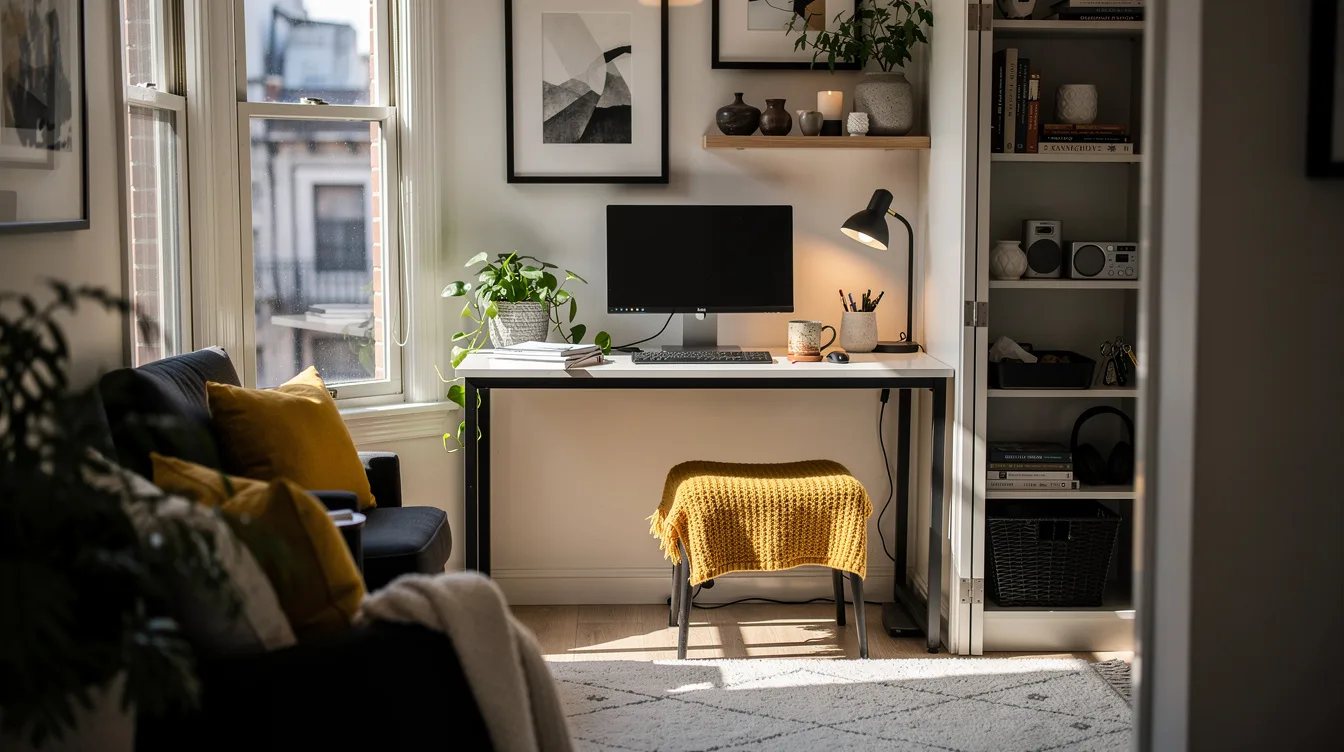
Shallow desks have limited real estate, so the wall needs to carry the storage load. Install a narrow shelf above the desk only after checking the user's seated sightline and the door's movement.
Use one black metal shelf for a small box, headphones, and a few notebooks. A shelf that is too deep becomes an overhead hazard and makes the closet feel narrower.
Keep heavy items low and light items high. A fabric bin or slim wood box can hide adapters without turning the wall into a second desktop.
Give Cables a Planned Exit
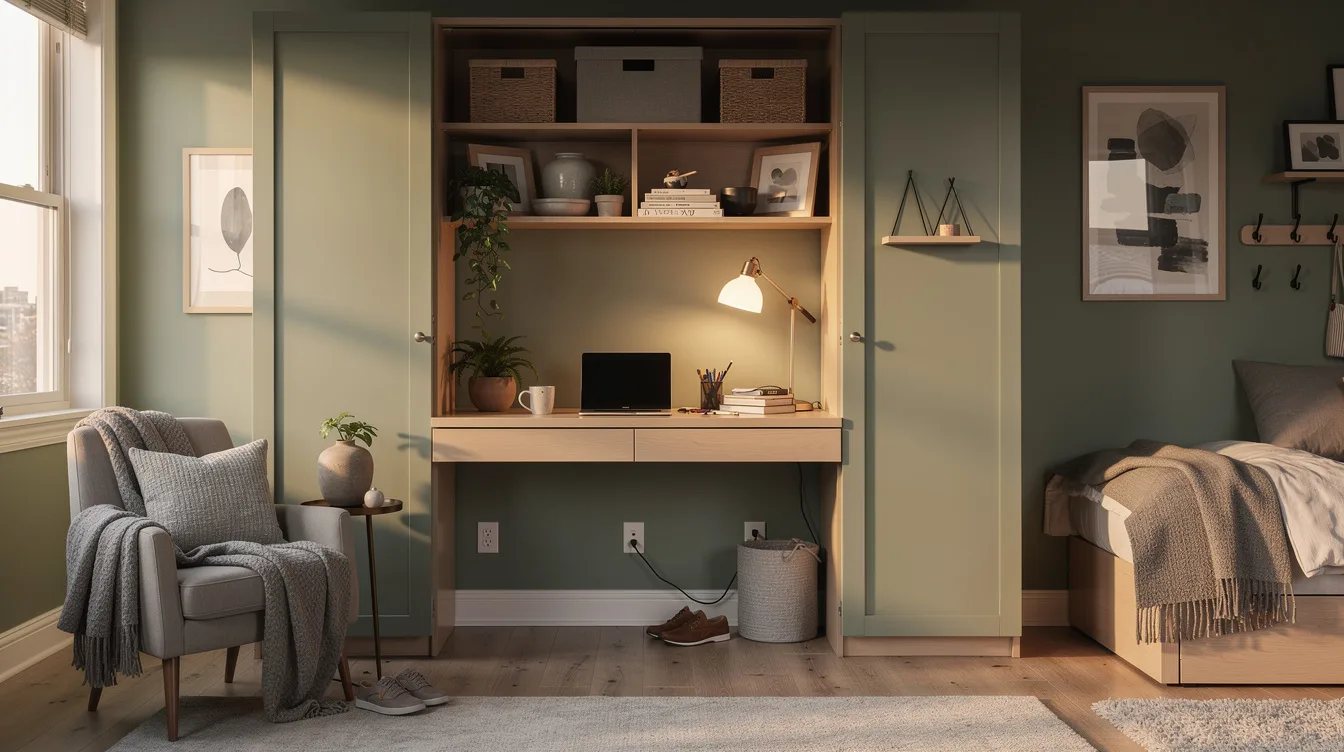
Loose cords are especially loud in a small office because every line remains visible. Before placing the desk, decide where power enters, where the laptop charger rests, and where unused cable length will go.
Run a black cable sleeve down the rear leg and secure it with removable clips. Match the sleeve to the frame when possible, since contrast makes a short wall look busier.
Leave enough slack for folding or rolling the desk. A cable route that looks tidy while stationary becomes a nuisance if it must be unplugged every evening.
Light the Desktop From the Side
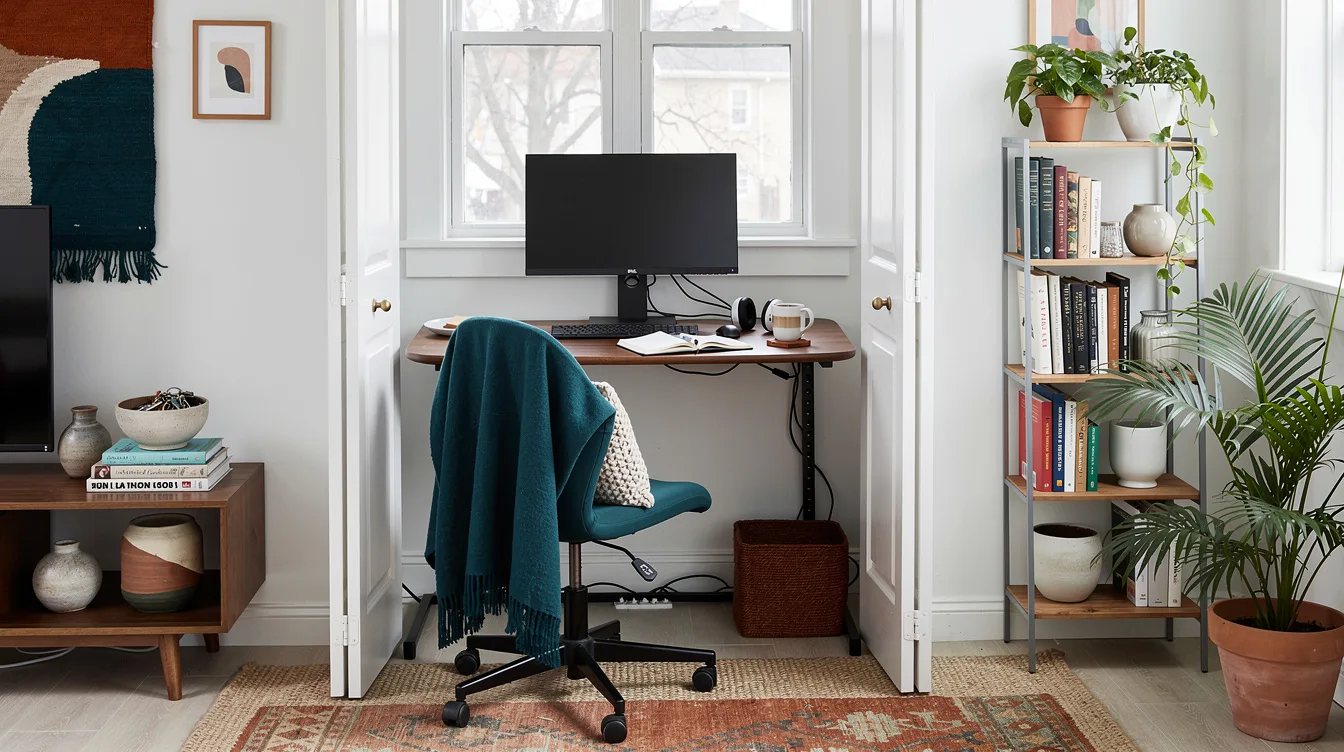
A ceiling bulb often leaves the worker's head between the light and the desktop. Side lighting gives a shallow office more visual depth and makes the work surface easier to read.
A small brass picture light or clamp lamp can brighten the wall without taking valuable desk depth. Place it opposite the dominant writing hand to reduce shadows across a notebook.
Skip an oversized floor lamp. It consumes the same scarce floor area needed for the chair, and its scale can make a closet office feel like a crowded stage set.
Let the Finish Recede
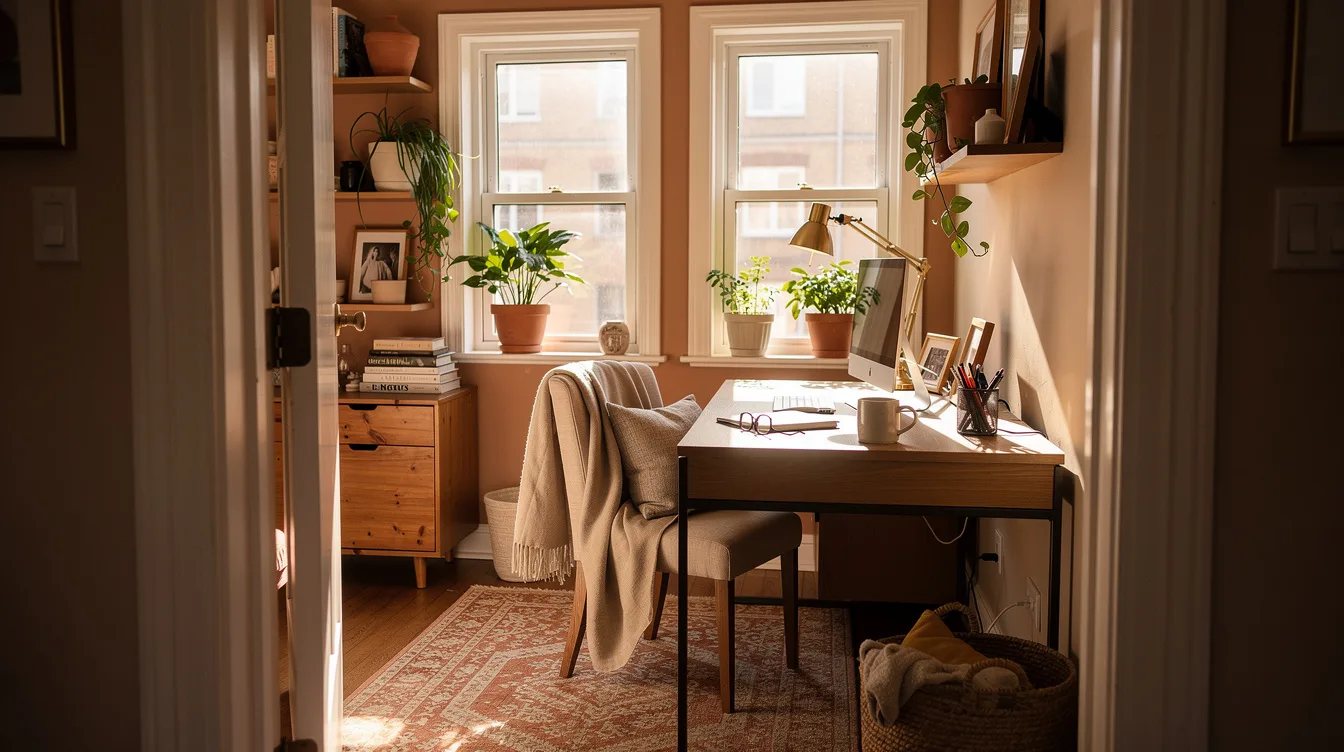
Dark furniture can look polished, but a dark closet already has limited visual breathing room. Use a light wall and a restrained desk finish to keep the office from reading as a solid block.
An oak-look finish adds warmth without pretending to be premium solid wood. A walnut-look top can work too, especially with a black frame and pale surrounding paint.
Skip glossy surfaces. They reflect the lamp, show fingerprints, and make a compact setup look more commercial than comfortable.
Protect the Knee Space
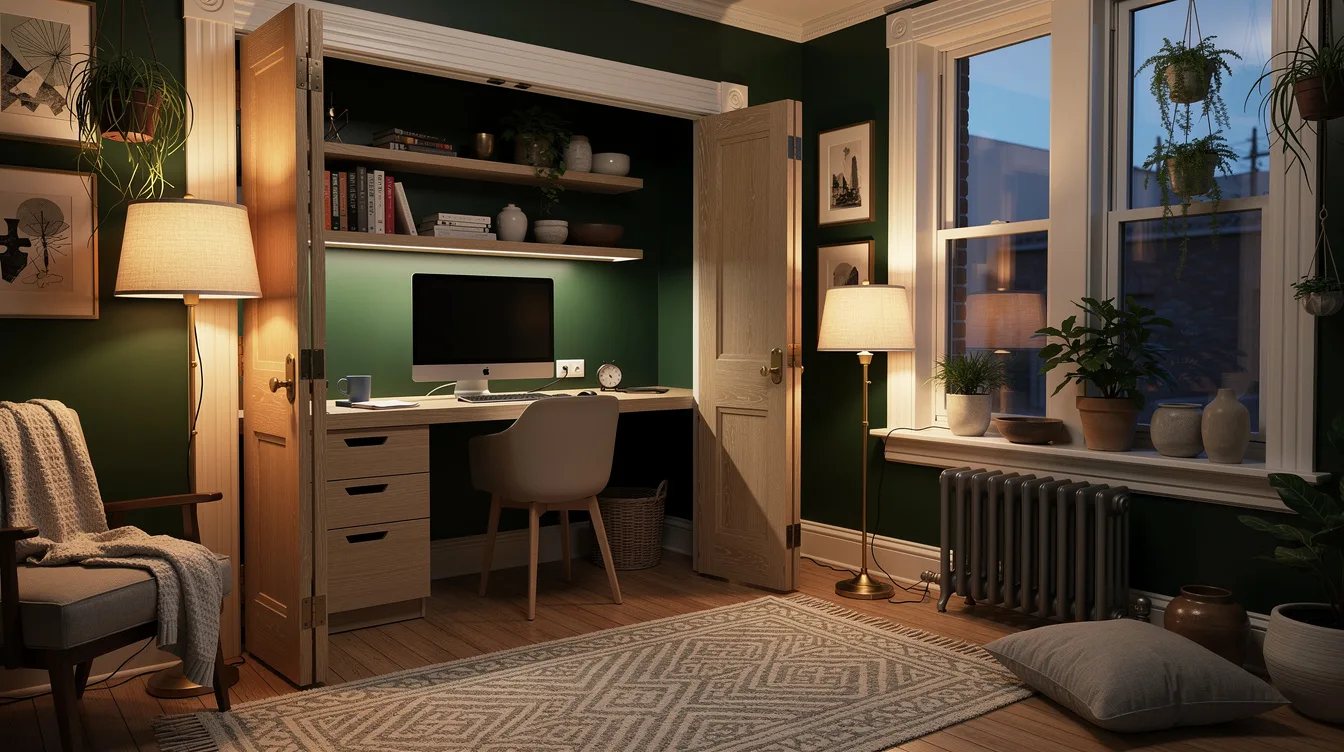
Storage towers and baskets often creep beneath a small desk because the room has nowhere else to put them. That choice costs the one area the body needs most: clear space for knees and feet.
Leave the underside open beneath the powder-coated steel frame, then place supplies on the wall or in a nearby cabinet. The visual gap makes the desk feel lighter and gives the chair room to move.
Measure the chair before committing to a drawer unit. In a closet office, a clean landing for your legs matters more than one extra place to hide pens.
Cap the Setup at One Main Screen
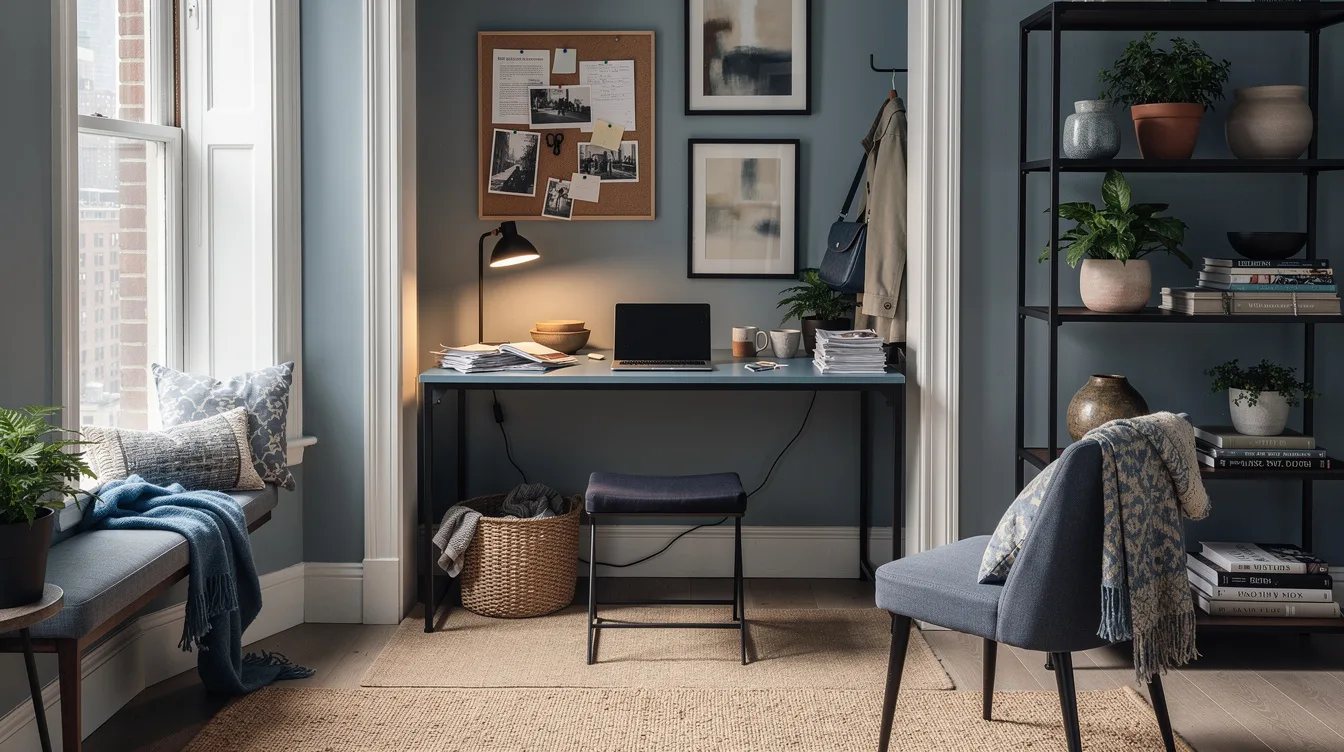
Multiple monitors can overwhelm a 16- or 19-inch desktop before the work even begins. They also push the keyboard toward the user and leave no comfortable space for paper.
Use one compact monitor only when the desk depth supports it, and place the laptop on a vertical stand if the keyboard can move below. A laptop-only arrangement is often the most honest fit.
Do not buy equipment for an imaginary future office. Build around the work performed in the closet today, then upgrade only after the measurements prove the room can handle it.
Make the Office Pack Away
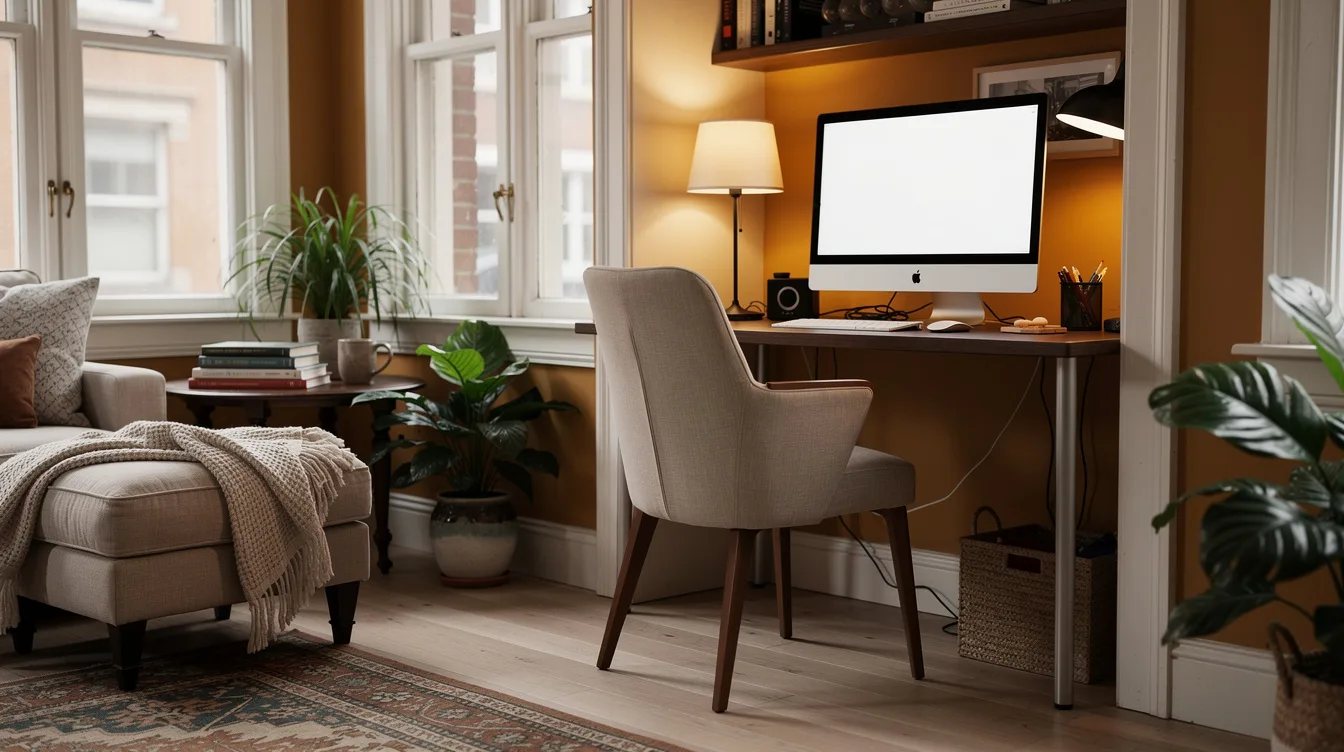
The best small office has a clear closing routine. Put the charger, mouse, and notebook into one canvas storage basket so the desk can become neutral when the workday ends.
This matters most with the folding GreenForest model, but it also helps a fixed SHW desk. A shallow surface should look intentional after hours, not like a half-finished task.
Leave one object behind for visual continuity, such as a small lamp or a framed print. Everything else should have a defined home beyond the desktop.
Match the Chair to the Clearance
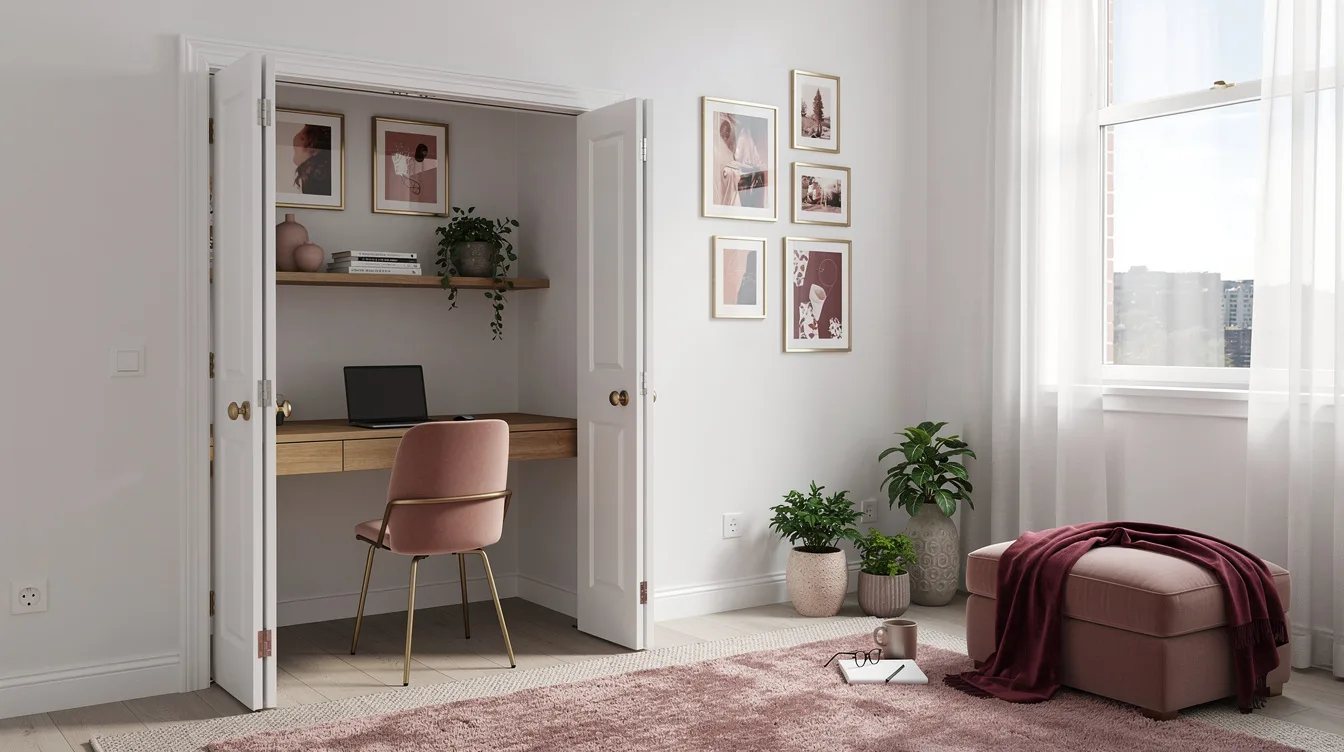
A compact desk cannot rescue a chair that needs a wide turning radius. Choose a chair with a narrow base and enough back clearance to slide beneath the desktop without striking the door.
A low-profile upholstered chair can soften the office while keeping the setup visually lighter than a padded executive chair. Avoid bulky arms if the closet opening is tight.
Test sitting, standing, and pulling the chair out before final styling. Comfort is the feature that determines whether the office gets used or becomes another storage zone.
Keep reading
- Small Bedroom Door Swing Eating Your Floor Space? Fix the Bed Position
- Hanger-Eating Closet? 12 ClosetMaid Fixes Starting at $22
- Bedroom Storage Eating Your Floor? 12 Wayfair Finds Start at $60
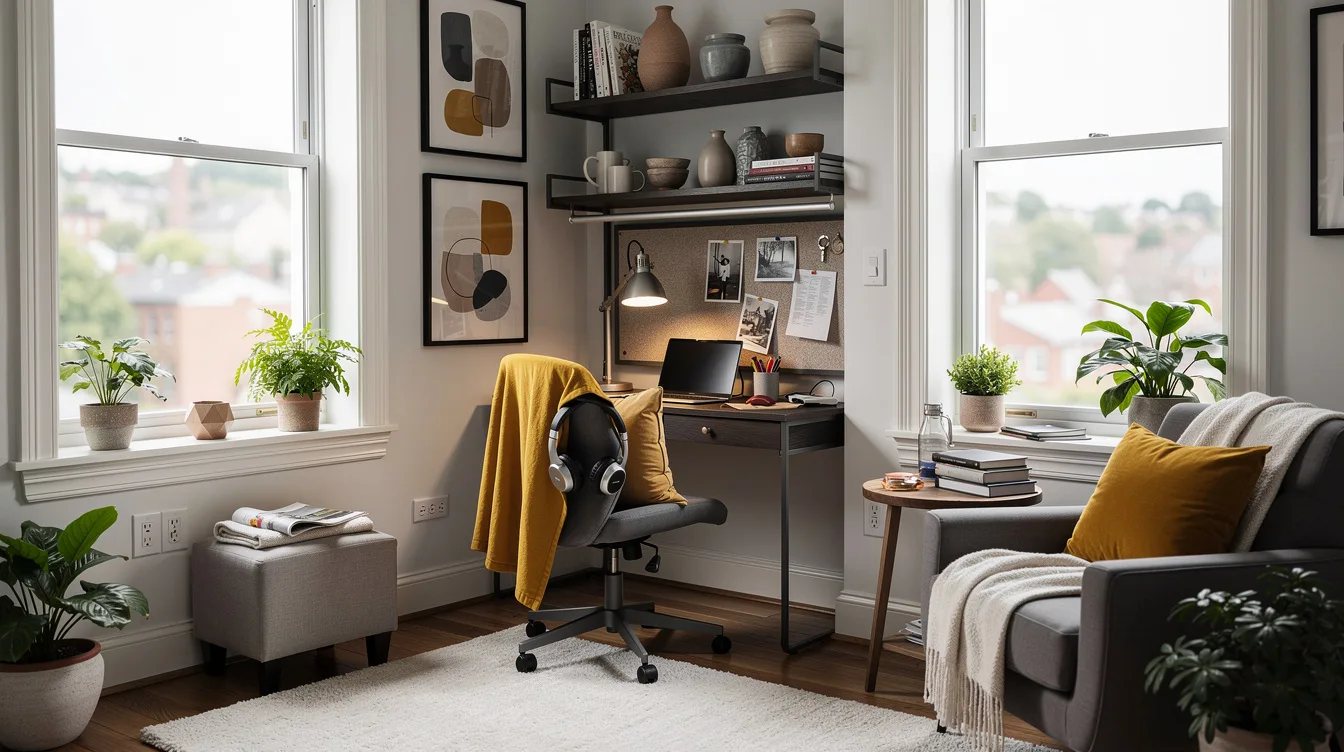
Start by taping the desk footprint and door swing onto the floor, then choose the shallowest model that supports your actual work. The right setup should disappear into the room when the workday is over.